Which AI Tool for Restoring Old Photos and Enhancing Images? Meitu, Photoroom, and Three More Matched to the Job
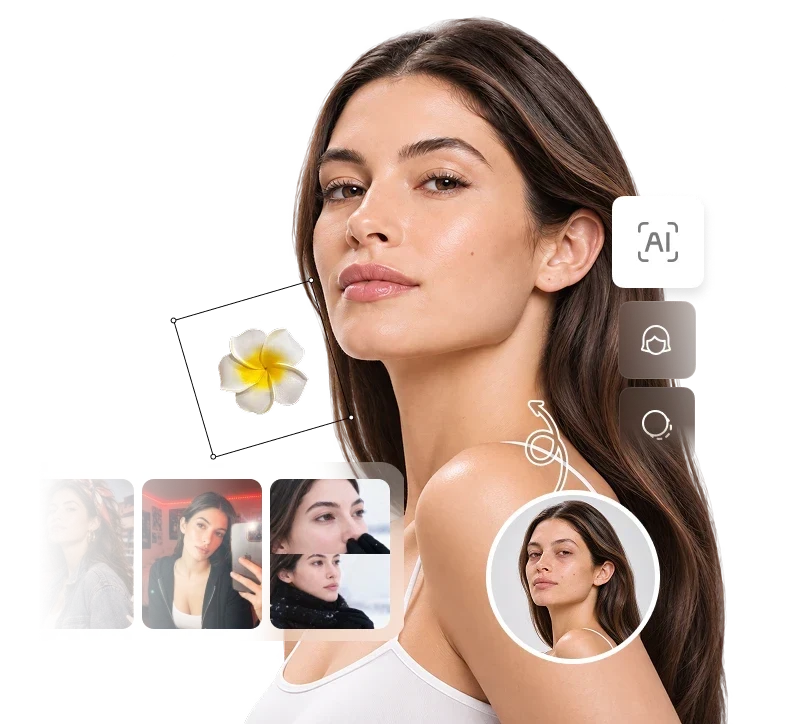
Match the Job First: Three Kinds of Need
Split the need into three kinds before picking a tool. The first is restoring old photos: prints found at home have yellowed, scratched, or blurred, and the goal is to clean them up and make them readable. The second is cutting out and replacing backgrounds: product shots, ID photos, and avatars need a messy background removed and replaced with a clean one. The third is enhancement and re-creation: a blurry photo to sharpen, a picture with a missing piece to complete, or a new style to generate.
The five tools divide the work: Meitu handles retouching and beautification, where the first pass on an old photo happens; Remove.bg and Photoroom handle cutouts and backgrounds, one removing backgrounds in a single click and the other specializing in cutouts and background generation for e-commerce product shots; Jimeng handles all-in-one AI image creation, where enhancement and re-creation of a blurry photo can continue; Firefly brings generative capability into Adobe workflows. Ask what result you want before you start retouching, then decide which tool to open first.

Restoring Old Photos: Start with Meitu, Continue with Jimeng
Start restoring an old photo in Meitu: a widely used Chinese retouching and AI beautification tool that opens on a phone or in a browser, it can give an old photo a first pass of AI beautification and retouching, removing visible stains and color casts, before you judge whether more work is needed. The learning curve is low, suiting anyone restoring photos for older family members.
If you want to keep working after that, bring the photo into Jimeng: an all-in-one AI image and video creation platform from the Jianying team, where the retouched photo can continue into image creation, such as changing the background or the style, or even becoming a short video. The key rule for restoring old photos is to keep the original: save a separate copy at each step so you can go back if a step goes wrong, and never keep editing the only copy of the original.

Cutting Out Backgrounds: Remove.bg and Photoroom
For cutting out a background, Remove.bg is the most direct: a one-click online tool for removing image backgrounds, it strips the background as soon as you upload a picture, suiting avatars, ID photos, and product shots with simple backgrounds and a clear subject. The background comes out transparent, so the cutout can be placed on any color or layout afterwards.
Photoroom narrows in on e-commerce product shots: a tool for cutouts and background generation for product images, it can generate a new background right after the cutout, suiting sellers who need product images in batches for new listings. Once a product shot has a clean background, add a selling line and it is ready to list. The difference is the scenario: pick Remove.bg when you only need the background gone, and Photoroom when you want the background and the finished image together.

Enhancement and Re-creation: Jimeng and Firefly
For enhancement and re-creation, look at Jimeng and Firefly: Jimeng is an all-in-one AI image and video creation platform, where sharpening a blurry photo, changing its style, and re-creating it can happen in one place, with a short video as a possible next step. Firefly is Adobe's generative AI, working together with Photoshop and other Adobe tools, suiting people already using Photoshop who want AI capability inside their existing workflow.
Choose by need: for old family photos, start with Meitu and continue with Jimeng; for cutouts and new backgrounds, use Remove.bg to cut and Photoroom to finish product shots; for an existing Adobe workflow, keep Firefly inside it. On access and pricing, Meitu, Remove.bg, and Jimeng are recorded in our library as directly accessible in China, while Photoroom's and Firefly's access follows their official websites; all five use a freemium model, with exact tiers as stated on their official websites. Back up the original before retouching, then try one photo in each tool on its free allowance and continue only once the results fit.
Tools mentioned



Sources
This article is compiled from the public sources above and does not reproduce the originals in full; see the official sources for details.