When You Are Out, How to Remotely Control Your Home Coding Agent from Your Phone: Five Methods Matched to Your Needs
1. Conclusion First: Five Categories of Methods
First, categorize by control target: to remotely control sessions on a computer, look at DSH Go and T3 Code; to only receive approvals, look at Pushary; to let agents enter chat apps so you can direct them via messages, look at Agent Inbox and OpenClaw; to let your phone operate apps and web pages on its own, look at Mika. What you actually need most when out are two things—checking progress and approving key actions.
Before choosing, draw two lines: whether approvals require an audit trail, and where data stays. For team scenarios needing audit trails, Pushary and Agent Inbox are more suitable; for data-sensitive, bring-your-own-key personal scenarios, the self-hosted routes of DSH Go, Mika, and OpenClaw are more suitable.
2. A Closer Look at the Five Methods
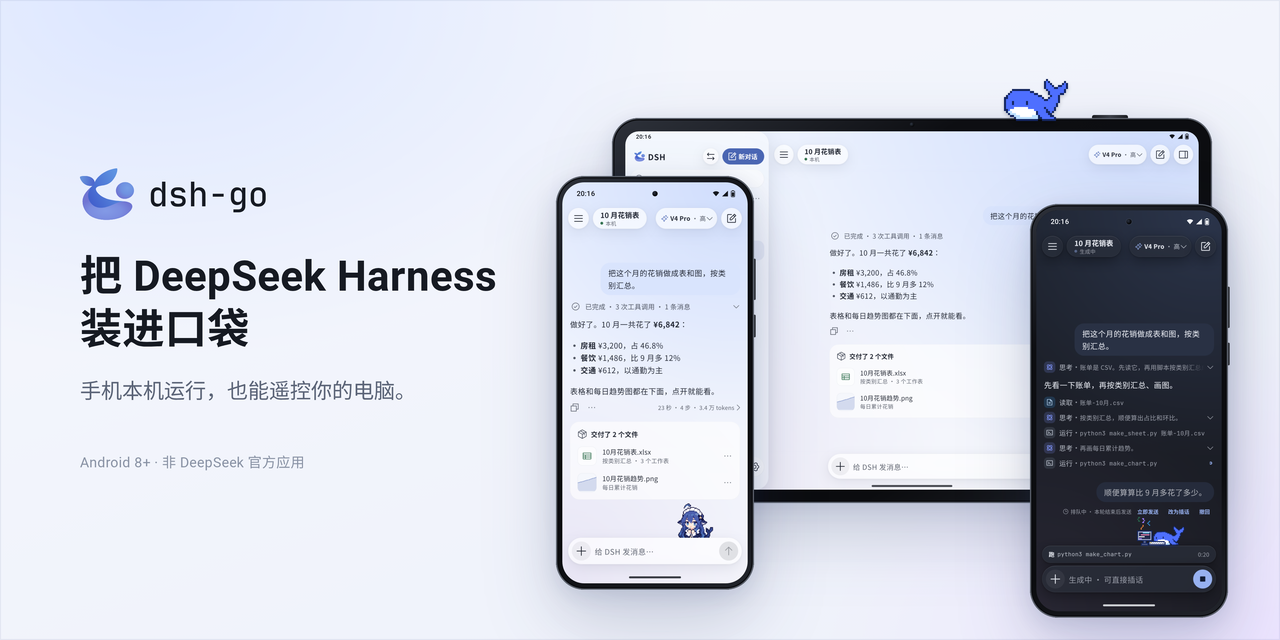
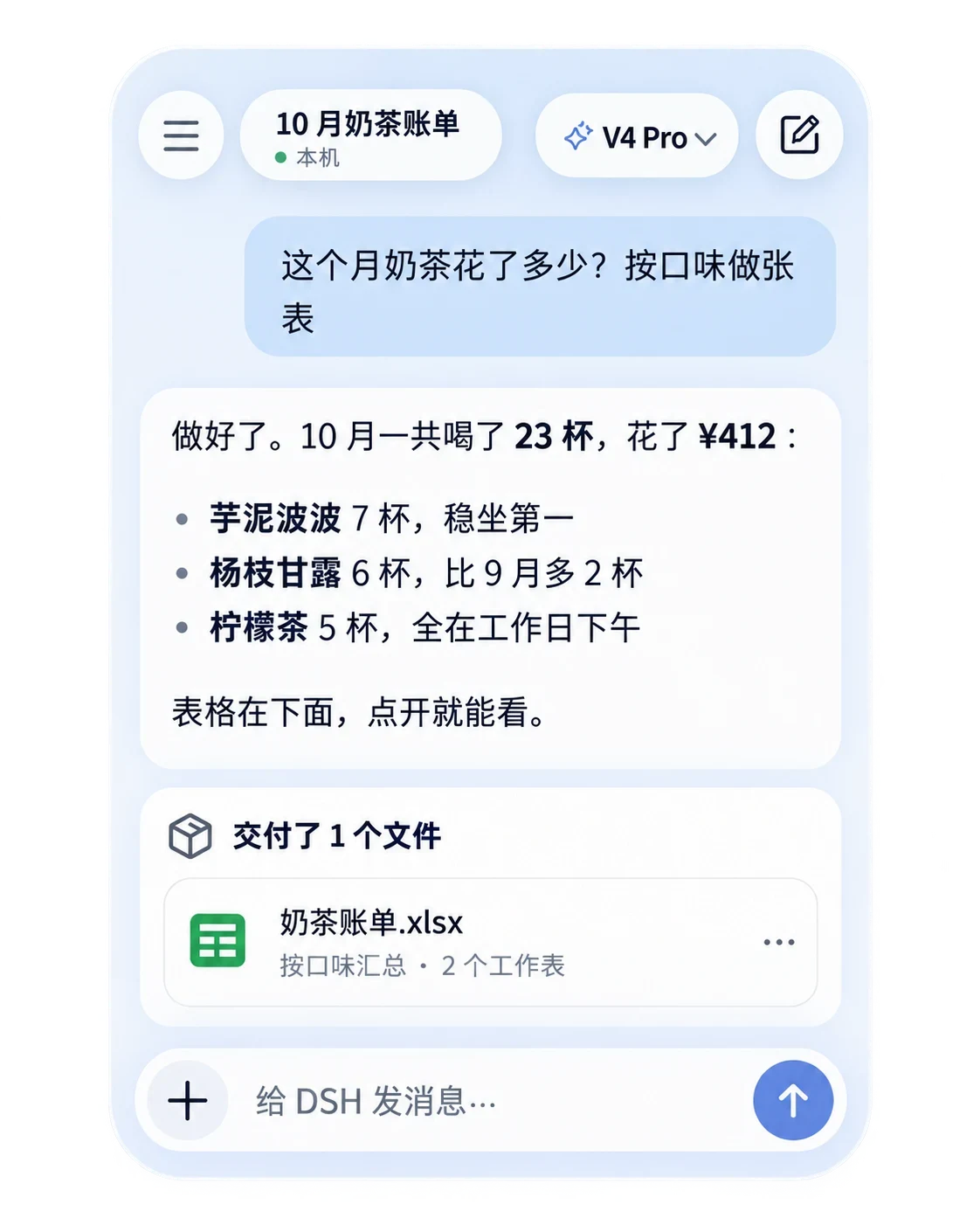
DSH Go is the Android client for DeepSeek Harness: it runs DSH locally on the phone without root, or remotely controls sessions on a computer, featuring phone control and offline voice input. When you are out, you can pull out your phone to check session progress and issue commands directly.
Pushary is an approval push tool: it pushes the agent's approval questions to your phone for one-tap approval or rejection, with team-wide action audit trails. It does not do the work directly, solving only the single step where you are out and the agent is stuck on an approval, making it suitable for team scenarios that require auditing.
Agent Inbox gives an AI agent an email, Slack, and Telegram identity: people send messages, approvals, or questions directly, and the agent waits for a reply before continuing. You can direct it right inside common chat apps, suitable for people who treat the agent like a remote colleague.
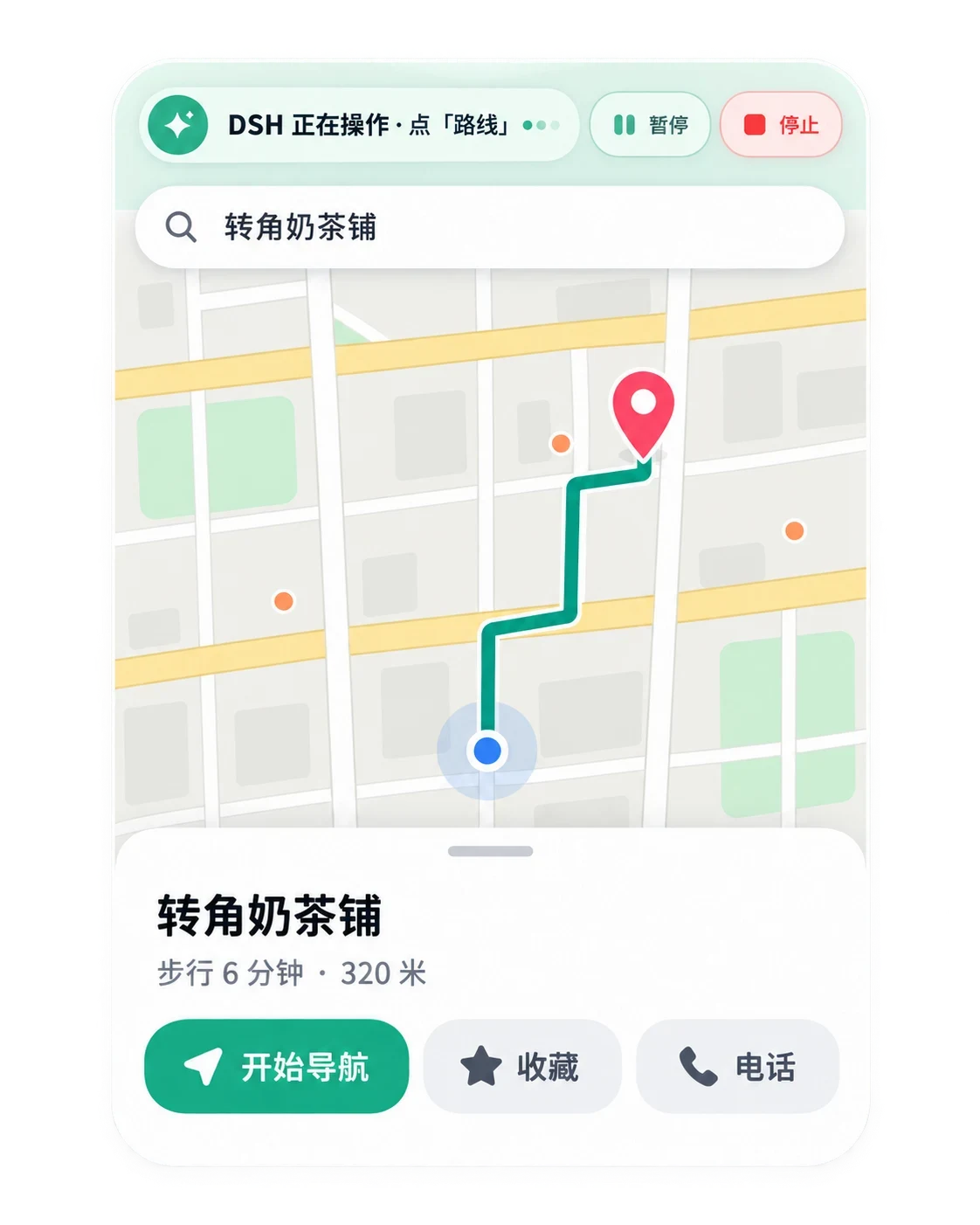
Mika is an open-source on-device Android AI assistant: give it a task in one sentence, and it operates apps and web pages for you on a background screen without occupying the main screen; bring your own model key, with no official server. It is suitable for people who want their phone to take action on its own. OpenClaw, meanwhile, is a self-hostable personal AI assistant that runs on your own device and connects to common chat apps: assign tasks inside the chat window, suitable for people who want a long-term, always-online resident assistant.
3. New Update: T3 Code
Today's daily digest includes a new option: T3 Code, an open-source coding agent console that lets you use your own subscriptions to remotely control multiple coding assistants in one interface, with mobile support for checking progress and issuing commands. When read on 2026-11-08, it had 51,242 stars, adding 16,235 in one week, repository pingdotgg/t3code, under the MIT license.
Its positioning differs from all five tools above: rather than remotely controlling a single session, it brings multiple coding agents into one console for unified remote control. It runs a server on your local machine, paired with desktop, web, and mobile apps, plus a t3 CLI; it supports multiple coding assistants such as Claude Code, Codex, Cursor, and OpenCode. It uses your existing subscriptions and does not sell tokens; T3 Connect lets you connect up to 3 machines for free.

4. Security and Audit Trails: Set Rules Before Delegating Authority
The risk of remotely controlling an agent lies not in the connection method, but in permissions: open only necessary operations, keep human confirmation for write or payment actions, and prioritize solutions with action audit trails.
Two additional reminders: remote-control solutions require the session on your computer to keep running, so confirm before heading out that your computer is not asleep and the network stays connected; for self-hosted assistants, ensure the device or server they run on stays online. Being able to view progress on your phone does not mean you can safely let go completely: for critical merges and production releases, it is still advisable to verify each item back at your computer.
Tools mentioned






Sources
This article is compiled from the public sources above and does not reproduce the originals in full; see the official sources for details.