Which AI Tool to Use for Writing Papers? Matching Kimi, Perplexity, and the Academic Search Trio to Each Stage

1. Conclusion First
When just starting to pick a topic and needing to find literature systematically, try Elicit and SciSpace first: the former can search across massive volumes of papers, summarize them, and extract data in a structured way to assist with literature reviews; the latter supports literature reviews, PDF chat, and academic writing. Both are draft entries in the database, with access and pricing subject to official websites.
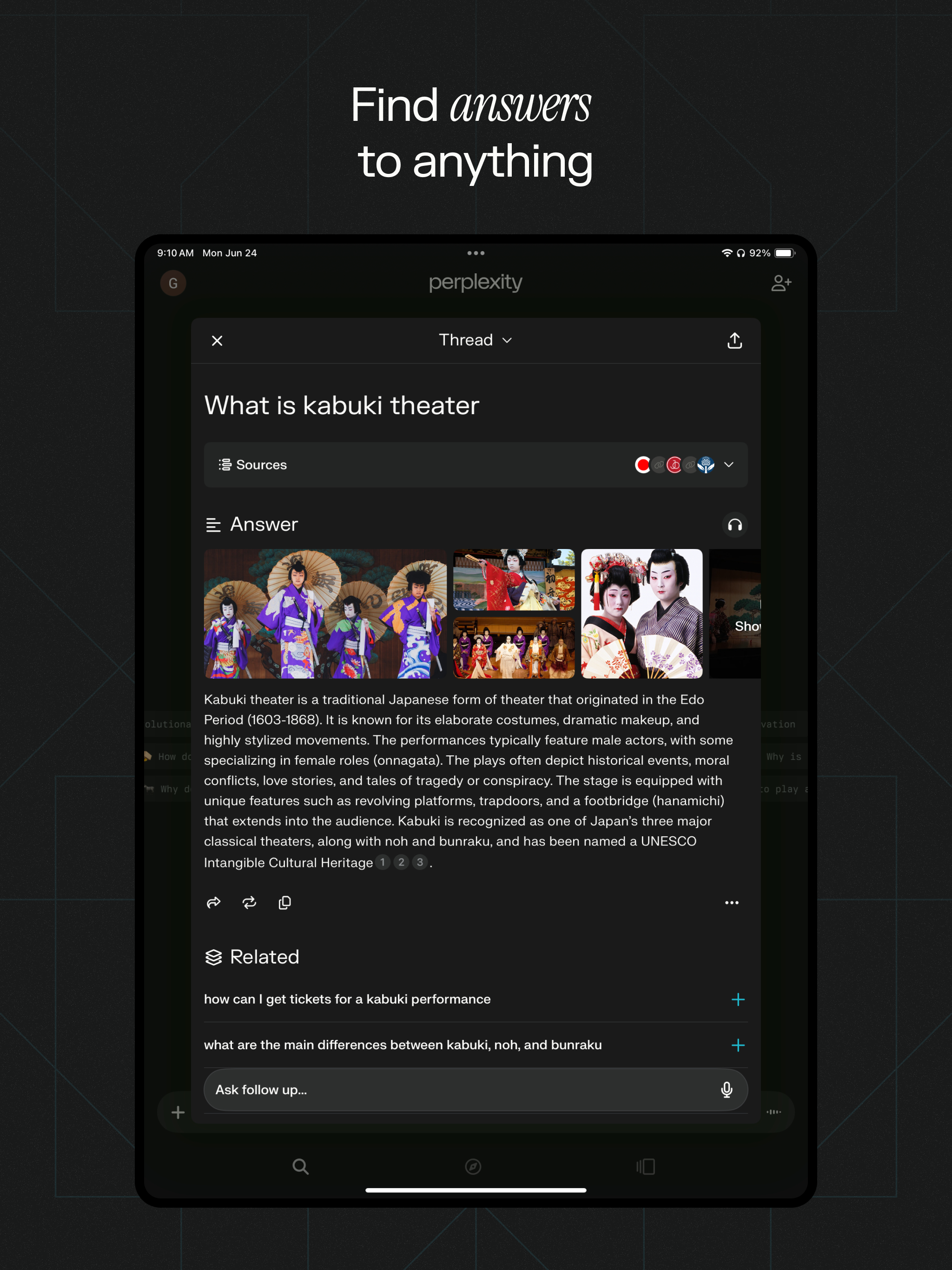
When looking up background information and needing answers with sources, ask Perplexity first: an AI search engine with citation sources that is efficient for looking up information and conducting research, freemium, though it requires special network access in China.
When reading literature you have on hand, use NotebookLM and Kimi: NotebookLM performs Q&A, summarization, and audio overviews based on materials you upload; Kimi excels at long-document comprehension and web search, and is directly accessible in China with a freemium model.
When writing English abstracts and submission manuscripts, use DeepL and QuillBot: the former is known for natural translations, while the latter is an English rewriting and summarization tool, and both are directly accessible in China with a freemium model.

2. Looking at All Seven Tools One by One
Kimi: An AI assistant with long-document comprehension, web search, and deep thinking capabilities. Suited for dropping in long documents such as reviews and experimental reports for Q&A and extraction; directly accessible in China, freemium.
Perplexity: An AI search engine with citation sources, efficient for looking up information and conducting research. Suited for clarifying the origins and context of a concept before writing, then tracing sources to the original papers; requires special network access in China, freemium.
NotebookLM: Performs Q&A, summarization, and audio overviews based on materials you upload. Suited for uploading a bundle of papers at once and answering questions strictly within those materials to reduce fabrication; requires special network access in China, freemium.
Elicit: An AI academic research assistant that can search across massive volumes of papers, summarize them, and extract data in a structured way to assist with systematic literature reviews. Suited for screening papers and extracting key information during topic selection; draft entry in the database, with access and pricing subject to the official website.
SciSpace: An AI research platform supporting literature reviews, PDF chat, and academic writing. Suited for asking questions while reading PDFs and organizing review frameworks; draft entry in the database, with access and pricing subject to the official website.
DeepL: Machine translation known for natural translations. Suited for translating a Chinese draft into an English abstract, then polishing phrasing sentence by sentence against the original; directly accessible in China, freemium.
QuillBot: An English rewriting and summarization tool. Suited for finding another phrasing when an English sentence feels stiff, or compressing long paragraphs into summaries; directly accessible in China, freemium.

3. Choose by the Four Stages of Paper Writing
For finding literature, pick retrieval tools first: use Elicit and SciSpace for systematic reviews, academic search, and structured extraction; use Perplexity to quickly look up background and find leads, then trace citations to original papers.
For reading literature, route by source material: use NotebookLM to read bundles of papers you have on hand and answer questions strictly within those materials; use Kimi to read single long papers and perform cross-document comparisons, where long-document comprehension is a strength.
For writing English drafts, separate translation and rewriting: use DeepL for Chinese-to-English drafting as a base, and QuillBot for rewriting and polishing; be sure to read the full text through before submission, as terminology and logical transitions still require manual review.
4. Frequently Asked Questions
Can using AI to write papers trigger plagiarism checks or be judged a violation? Rules vary across universities and journals, so check the rules of your target school or journal before submitting; using AI for retrieval, summarization, and language polishing is a common practice, but core arguments, data, and conclusions must come from your own research.
How do you verify citation sources? Answers from Perplexity and NotebookLM include sources—click through to the original links and check them one by one before writing them into your paper, rather than copying AI-generated citation formatting wholesale.
Tools mentioned





Sources
This article is compiled from the public sources above and does not reproduce the originals in full; see the official sources for details.