Which AI Tool for a Paid Course? Outlines, Handouts, and Lesson Videos Matched to the Job
1. What the Scenario Needs: Structure Before the Finished Product
Building a paid course splits into three stages: first the outline and handouts, then the lesson videos, then publishing and Q&A. The first stage is where things most often go wrong — recording before the outline is set, only to find repetition and difficulty jumps halfway through.
The split follows these stages: document and presentation tools for the outline and handouts, a text-based editing tool for lesson videos, and a design platform for the accompanying cards. The five tools below cover the flow from outline to finished video.
2. Outline and Handouts: Gamma and Notion
Gamma generates slide decks and web pages with AI, which fits turning a course outline into slides ready to teach from: enter the key points chapter by chapter, get a clearly structured deck, then check each page's wording and examples for accuracy.
Notion combines notes, documents, and databases in one place, which fits building the course's handout library: each lesson's outline, script, references, and learner questions live together, managed by chapter and status in a database, so updating one lesson never means digging through the whole set of files.
3. Lesson Preparation: Kimi
Kimi is an AI assistant known for long-document understanding and web search, which fits working through source material while preparing lessons: hand it reference books, papers, and earlier handouts, ask it to organize key points by chapter and find material that works as examples, then follow up on which concepts need more explanation.
The output of preparation is material for handouts and slides, not answers to copy directly: points pulled out by Kimi still need rearranging to fit your own teaching logic, and citations and data wording need checking one by one before they go into the deck.
4. Lesson Videos: Descript and Canva
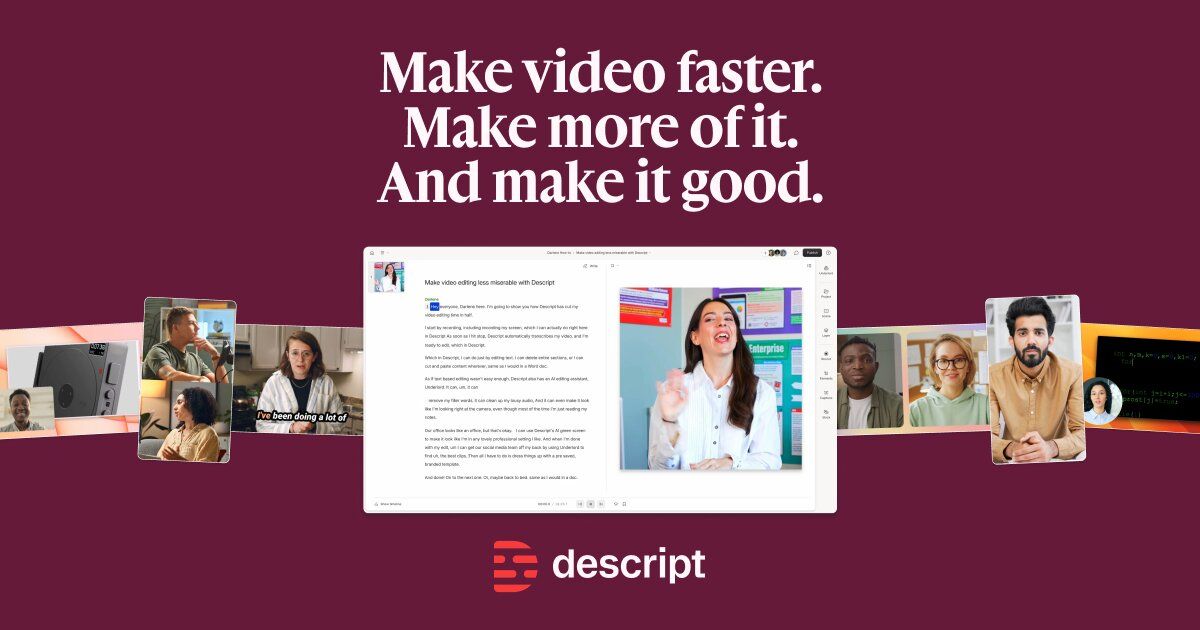
Descript is an AI editor that edits audio and video through text — transcribe automatically, then editing the transcript edits the video — which fits cutting lesson videos: record a lesson, transcribe it, and deleting slips and repeated passages is the edit itself, with built-in AI voiceover and noise reduction to polish the sound.
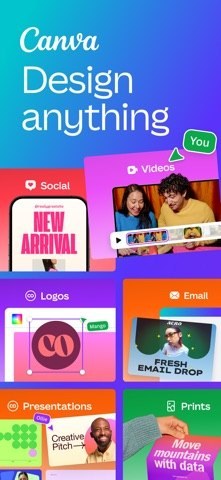
Canva is an online design platform with built-in AI image and copy features, which fits course covers and chapter cards: once the cover style is set, changing the title per lesson produces a matching set of chapter images, so learners can tell their progress apart at a glance in the course list.
5. Access and Pricing: Run One Lesson on the Free Allowance First
All five are freemium; Gamma's catalog access field is unknown, while Notion, Kimi, Descript, and Canva are directly accessible in China, and Gamma's access and pricing follow its official website. Run one full lesson — outline, recording, editing — on the free allowance first, then decide whether to pay.
Lumo's writing category holds 105 entries, design 156, chat 60, and video 143; these five were picked across the outline, preparation, and video stages. The suggested order: Notion for the handout library, Kimi for preparation, Gamma for slides, Descript for editing, Canva for images.
Tools mentioned



Sources
This article is compiled from the public sources above and does not reproduce the originals in full; see the official sources for details.