AI Learning Tools You Can Open Directly in China: Five Picks for Vocabulary, Notes, and Video Lessons
Scope First: Direct Access Only
This guide only includes learning tools our library marks as directly reachable from China, and each one was verified to return 200 on its site page before inclusion. Immersive Translate and Caiyun Xiaoyi are also marked as direct access in the library, but their site pages returned 404, so they are not covered here; they will be added once their pages are back. The five included cover language, memory, organizing, and video lessons: Duolingo for language, Quizlet for flashcards, Yuque for the knowledge base, GitMind for mind maps, and BibiGPT for video summaries — open whichever fits what you are learning.
Direct access matters in practice: learning works when you open the tool every day, and one fewer network hurdle lowers the cost of sticking with it. The five tools carry different tags too — language learning, flashcards, knowledge base, mind maps, and video summaries — together forming a full loop from input to output.
Language and Memory: Duolingo and Quizlet
Duolingo is a language learning app with AI conversation practice: a little speaking and listening each day turns spare minutes into conversation practice, suiting people who want to keep their feel for a language without long sessions. Its AI conversation practice means no waiting for a human partner: open it any time, practice a sentence, and get feedback right away, suiting people who can spare ten minutes a day to keep their language sense alive.
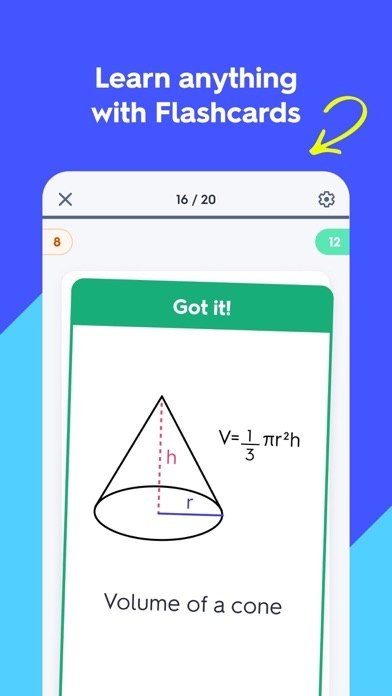
Quizlet is a flashcard learning tool with AI study assistance: turn key points into cards and flip through them, suiting vocabulary, concepts, and pre-exam review. Flashcards are easy to review anywhere — waiting for a bus, standing in line, or before bed — and before an exam you can go through them by mastery, skipping what you know and repeating what you keep forgetting. Both use a freemium model: basic features are free, and paid tiers are as stated on their official websites.
Organizing and Keeping: Yuque and GitMind
Yuque is a document and knowledge-base tool incubated by Ant Group, organizing documents in structured knowledge bases; its editor supports documents, boards, and spreadsheets, with AI writing and cross-document Q&A built in, so what you learn goes into the knowledge base and can be asked about again later. A knowledge base gets more useful the more it grows: documents, boards, and spreadsheets live in one place, and cross-document Q&A finds answers straight from your own notes instead of digging through material again.
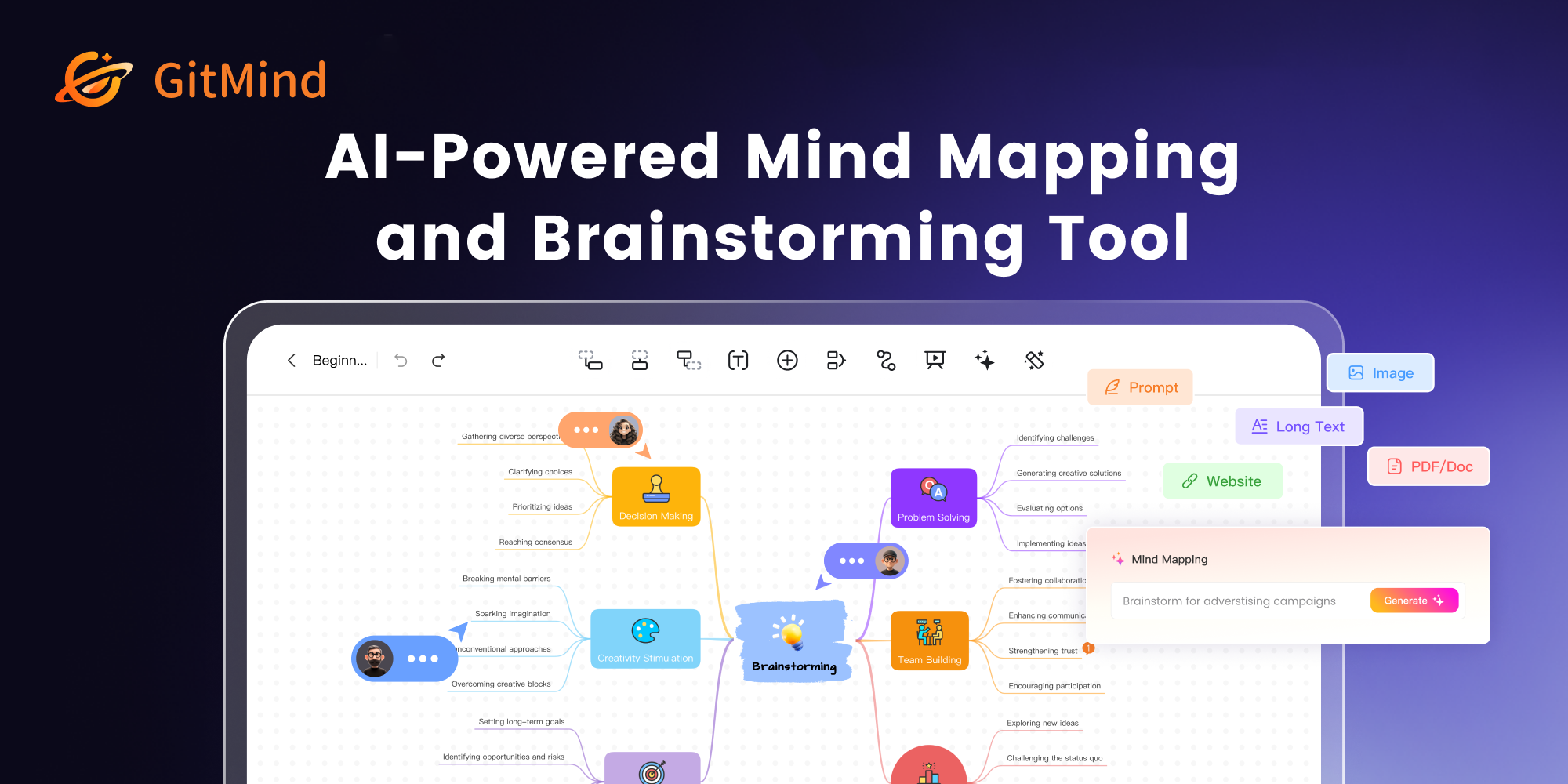
GitMind is an AI mind-mapping and collaboration tool that turns text, audio, video, PDFs, and web pages into structured mind maps and summaries, with flowcharts, whiteboards, and AI chat: draw a map after each chapter, and fill in gaps when the structure looks off. Mind maps suit gathering scattered knowledge: text, audio, video, PDFs, and web pages all turn into maps with one click, and after reading you can retell the content against the map, patching wherever you get stuck.
Video Lessons: BibiGPT and One Combination
BibiGPT is an AI audio and video summary tool that summarizes videos from many platforms and produces transcripts and mind maps: read the summary before watching a lesson to see what it covers and where the key points are, then decide whether to watch it in full. The transcript keeps working afterwards: key points from the summary can go straight into notes and maps, with the mind map and transcript checking each other, so the essence of a lesson is covered once before watching.
One smooth combination is: BibiGPT previews the video lesson, GitMind maps the key points, Yuque files the map and notes into the knowledge base, Quizlet turns weak spots into flashcards, and Duolingo keeps daily language practice going. None of the five needs extra network setup; pricing for Yuque, GitMind, and BibiGPT is as stated on their official websites. You do not need to adopt the whole combination at once: start with the most painful step, such as BibiGPT for video lessons, and connect the maps and knowledge base once that feels smooth — tools serve people, not the other way around.
Tools mentioned




Sources
This article is compiled from the public sources above and does not reproduce the originals in full; see the official sources for details.