Which AI Tools Work for Journaling and Planners? Five Tools, Five Jobs

Set the division of labor first: journaling is four jobs, not one tool
Journaling is made of four different jobs: writing down the day, choosing a good-looking layout, adding a fitting picture, and tidying up photos. Expecting one tool to do all of them usually means the place for writing cannot do layout, and the place for layout cannot keep an archive.
Dividing the work by step is more practical: write a few lines in Notion each day, spend half an hour laying out the month in Canva, ask Jimeng for a couple of illustrations, clean up photos with Meitu, and let Kimi go over the month of entries at the end. No single step is heavy, and that is how a journal keeps going.
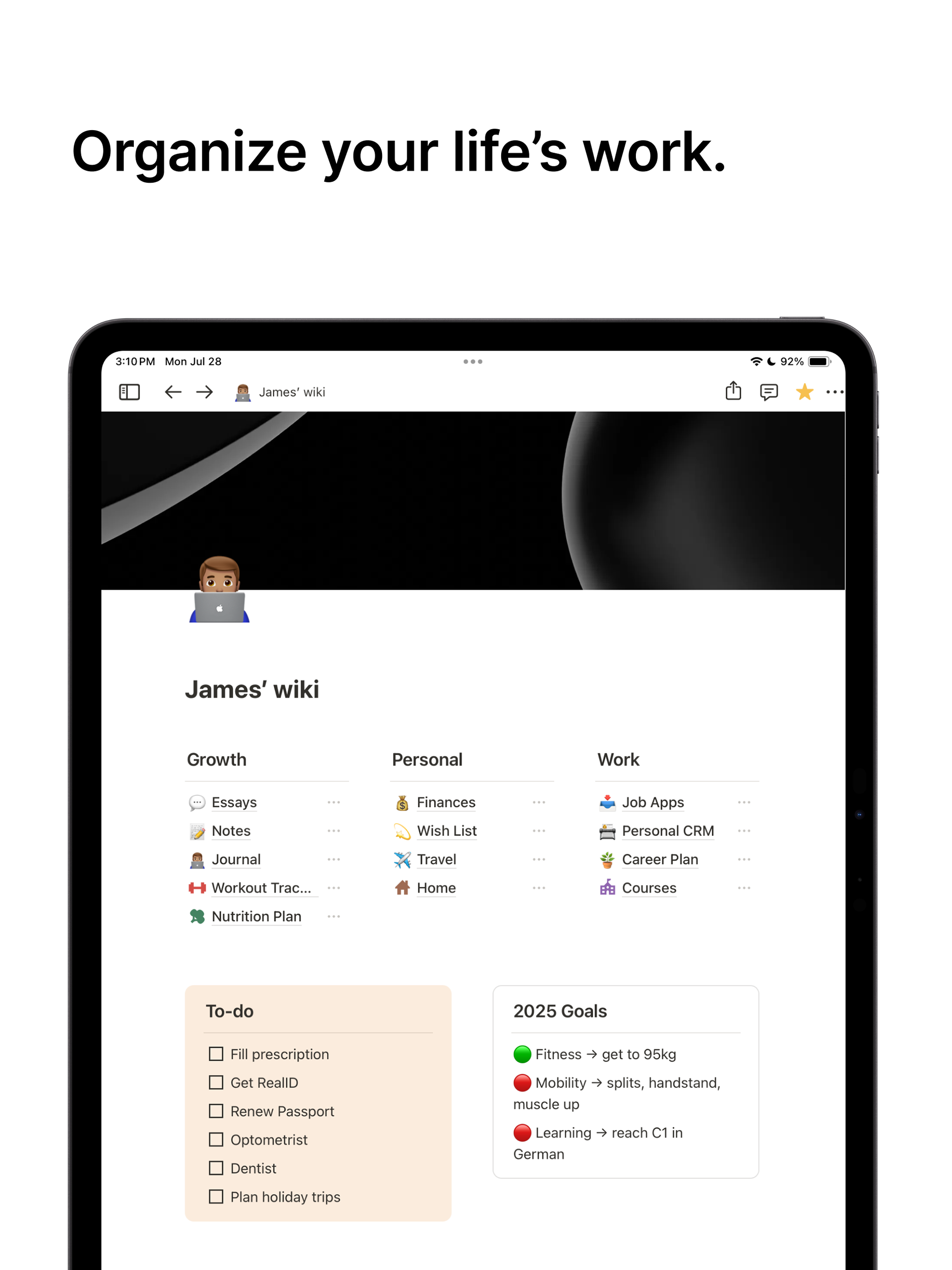
Notion: the base for words and archiving
Notion handles words and structure. Each day's entry becomes a page filed by date, tagged with mood, weather, and keywords; filtering by tag at the end of the month shows what the whole month was about. Its database views work well as a journal index: a timeline shows continuity, a board groups entries by theme, and old entries are easy to find.
A regular journal page can be saved as a template, so each day starts from the same layout: three things for today, one reflection, one to-do. A monthly review can live in the same library and link back to the daily entries. Notion is freemium and directly accessible in China, and the free plan is enough for everyday personal use.
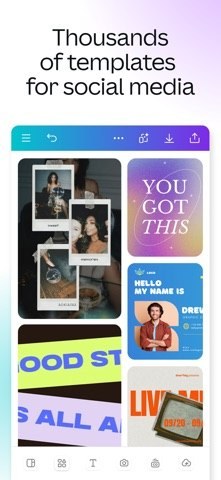
Canva: layout and templates, no design from scratch
When finished entries are meant to be printed, posted, or simply made nicer, Canva takes over. Pick a journal-style template, paste in the words from Notion, adjust colors and fonts, and one page is done. People who make one summary page a month can reuse the same template twelve times.
Canva also covers many sizes: phone wallpaper, A4 print, and social media images each have matching dimensions, so changing size does not mean redoing the content. Its value is not a long feature list, but that a decent page is possible without learning design. It is freemium as well, and directly accessible in China.

Jimeng and Meitu: illustrations and photos, one job each
Pictures in a journal come in two kinds: scenes that do not exist yet, and photos that came out badly. The first kind goes to Jimeng: a one-stop AI image and video creation platform from the CapCut team, where a short description such as a rainy street-corner cafe becomes a header image for the day. Styles can be tried in several versions until one fits the page.
The second kind goes to Meitu. Travel photos with too many passers-by, dim light, or the wrong crop can be cleaned up there before they are pasted in, which looks much tidier than the original. Jimeng creates something from nothing, Meitu tidies up what already exists, and both are freemium and directly accessible in China.
Kimi: review, organization, and how to combine them
After a full month, the most useful thing is to look back. Kimi is a chat and search tool: paste in a month of scattered entries and ask it to pull out keywords, mood changes, and the people and topics that kept appearing. It can also turn related entries into a short monthly summary, or help find when a plan was last mentioned.
A suggested routine: Notion for daily notes, Canva for the monthly layout, Jimeng for illustrations when needed, Meitu for photos, and Kimi for the month-end review. All five are freemium and directly accessible in China, so start with the free plans and pay only for the step that feels short. A journal is about writing steadily, not about buying every paid plan on day one.
Tools mentioned



Sources
This article is compiled from the public sources above and does not reproduce the originals in full; see the official sources for details.