AI Image Combo Playbook: Six Tools That Combine into One Usable Image
Set the Style with the Main Image
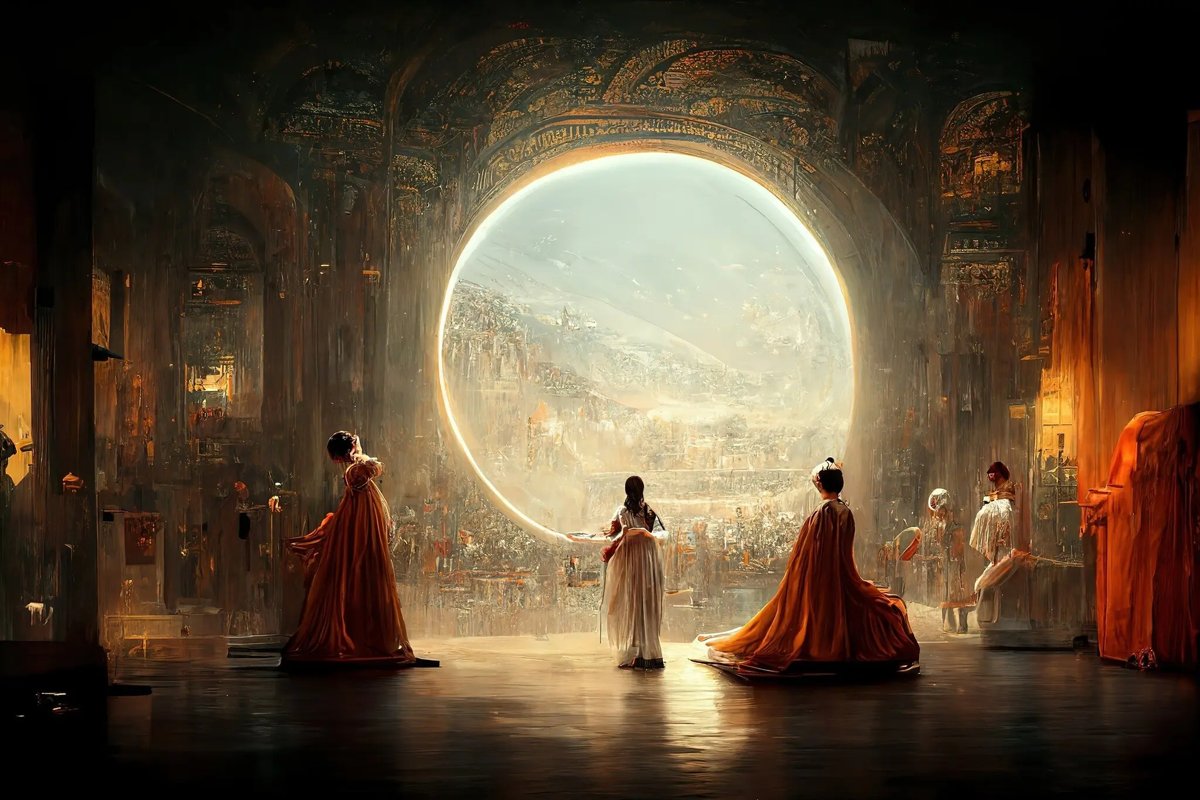
The combo starts with the main image. Midjourney's library entry describes its images as rich in texture, which fits a hero visual that needs atmosphere and feel: settle the style words, then fix the aspect ratio and palette, run several images from the same words, and keep the one with the soundest composition as the base.
If the main image needs a different model style, or direct access in China, LiblibAI can take over: it is a Chinese AI creation platform and model community, directly accessible in China, with many models to choose from, and fits running another batch of the main image in a different style or model. The two play different roles: Midjourney sets the tone, LiblibAI varies it—keep only one base image, and do not edit in two places at once. Once the base image is chosen, save a copy of the original, and make all later changes on copies while the original stays untouched.
Words and Posters: Ideogram Takes Over
With the main image ready, hand the wording to Ideogram. Its library tags are text-to-image, typography, and poster design, and its strength is rendering clear, readable text inside images: place the title, subtitle, and small print line by line over the base image, adjust size and position separately, and fix wording without regenerating the whole image.
For poster drafts, Jimeng can help too: it is a one-stop AI image and video creation platform from the CapCut team, directly accessible in China, where image generation and captions happen in one place—good for drafting several poster versions, then handing the chosen one to Ideogram for fine text work. For access and pricing, Ideogram is marked unverified on both counts in the library; follow its official site.
Product Shots: Photoroom Cuts Out and Swaps Backgrounds
E-commerce and product shots follow a separate branch: Photoroom's library entry positions it for cutout and background generation for product images. Cut out a photographed product, then place it on a uniform background color or scene; use one background template across a product set so the store page looks consistent.
When an object needs removing or a background needs extending, Adobe Firefly can take over: it is Adobe's generative AI, linked with Photoshop and other Adobe tools, and fits local retouching and extension on a cut-out product image. The library marks Firefly's access as unverified, so check the access notes on its official site before use; pricing follows the official site.

Put It Together: One Image, One Combo Flow
Link the five steps into a fixed order: Midjourney or LiblibAI makes the main image, Ideogram fixes the wording and posters, Photoroom cuts out and swaps backgrounds, Firefly does local retouching, and Jimeng drafts and fills gaps in between. Each step only moves forward: lock one step before starting the next, and roll back only one step when reworking, never the whole chain. Save each step's output under a filename with a version number, so you can find that version later.
The Lumo library holds 2,239 tools in total, including 51 image tools, and these six are only one way to combine them. Before starting, check the free allowance and access notes on each official site, then decide which step is worth spending allowance on; once the flow runs smoothly, swapping one tool will not break the whole chain.
Tools mentioned


Sources
This article is compiled from the public sources above and does not reproduce the originals in full; see the official sources for details.