AI Design Tools for Team Collaboration: How Canva, Figma, JS Design, MasterGo, Pixso, and Meitu Divide the Work
1. Conclusions Up Front: A Division-of-Labor Table
Interface design and review go to four online collaboration tools — Figma, JS Design, MasterGo, and Pixso: all of them support several people editing the same file at once, commenting online, and keeping version history, so mockups, prototypes, and handoff travel one path and product, design, and engineering stop syncing across separate files.
Marketing visuals go to Canva: posters, slide decks, and social media graphics all have ready templates, so swapping text and images by drag and drop produces a finished draft, with built-in AI image and copy features suited to operations and marketing roles that produce visuals often. Retouching goes to Meitu: portrait beautifying, AI erase, AI expand, and AI background swap are all at hand on phone and web, so light work on covers and product shots needs no professional retouching software.
There is no need to keep all four interface tools: cross-border teams or teams already used to Figma can keep Figma, while teams centered on collaboration in China can pick one main tool from JS Design, MasterGo, and Pixso by handoff habit, then let Canva and Meitu cover visuals and retouching.
2. Division by Role: What Product, Design, and Operations Each Take
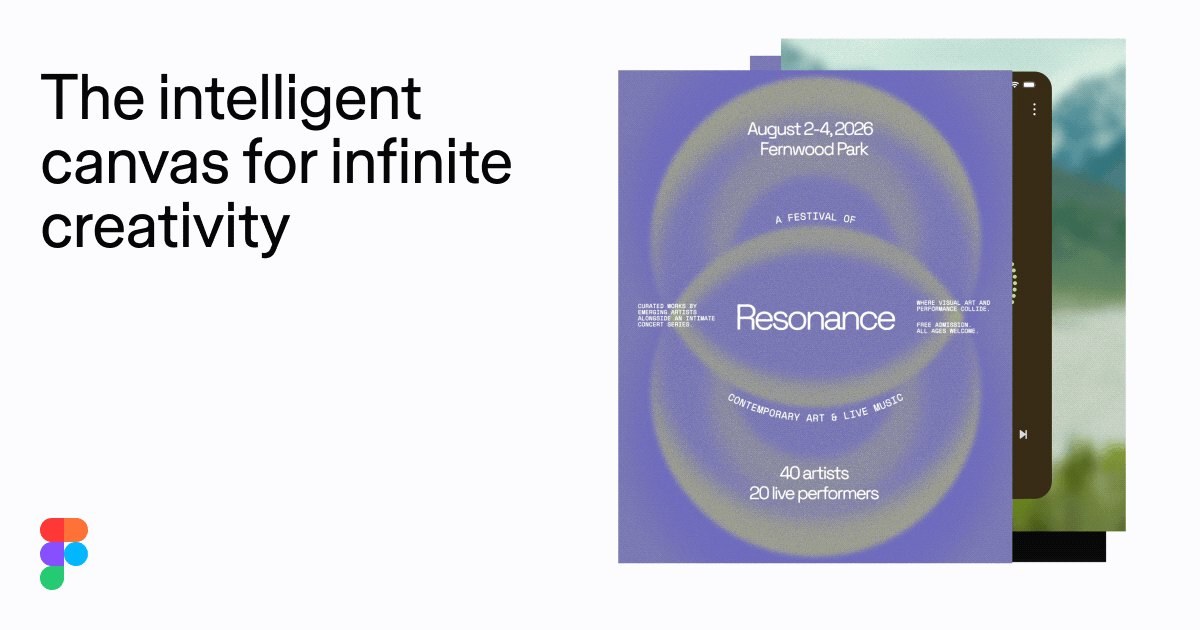
The main tool for product managers and UI designers is Figma: it opens directly in the browser, its vector interface design and component system sync a change everywhere at once, interactive prototypes demonstrate the full flow by clicking, and Dev Mode turns mockups into annotations and code references developers can read — during review, one link is enough and comments land on the exact spot in the design.
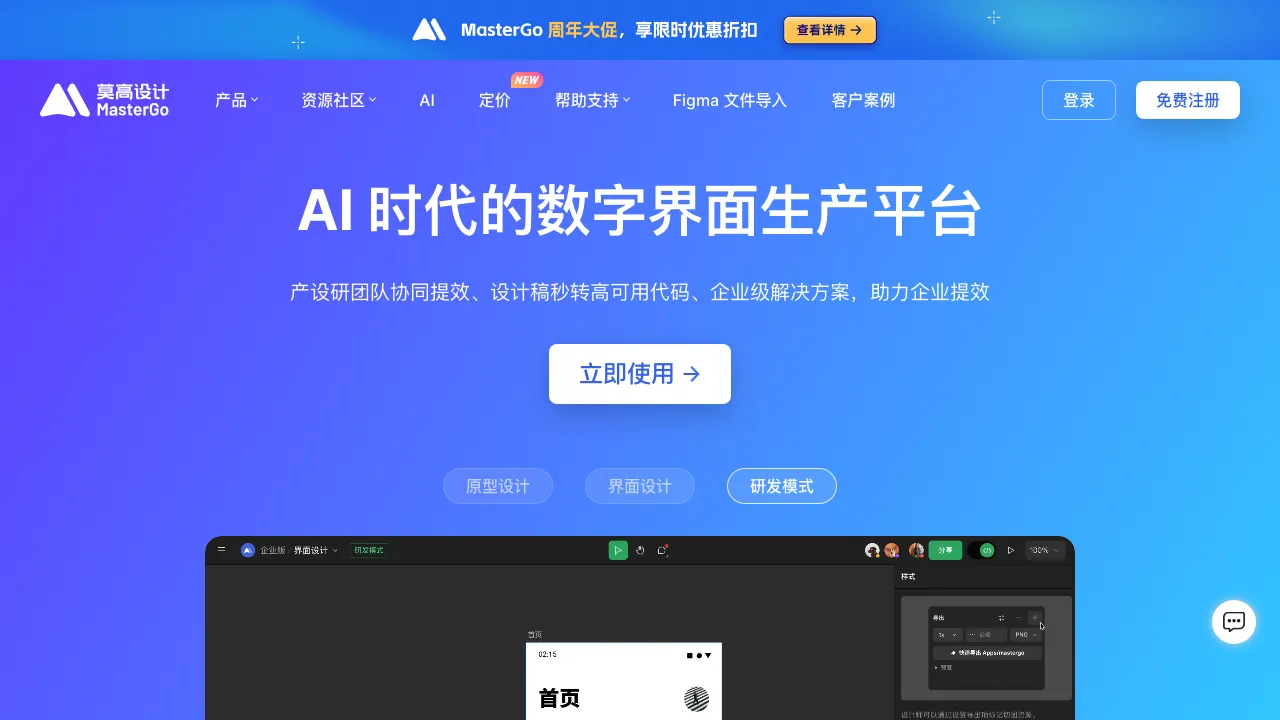
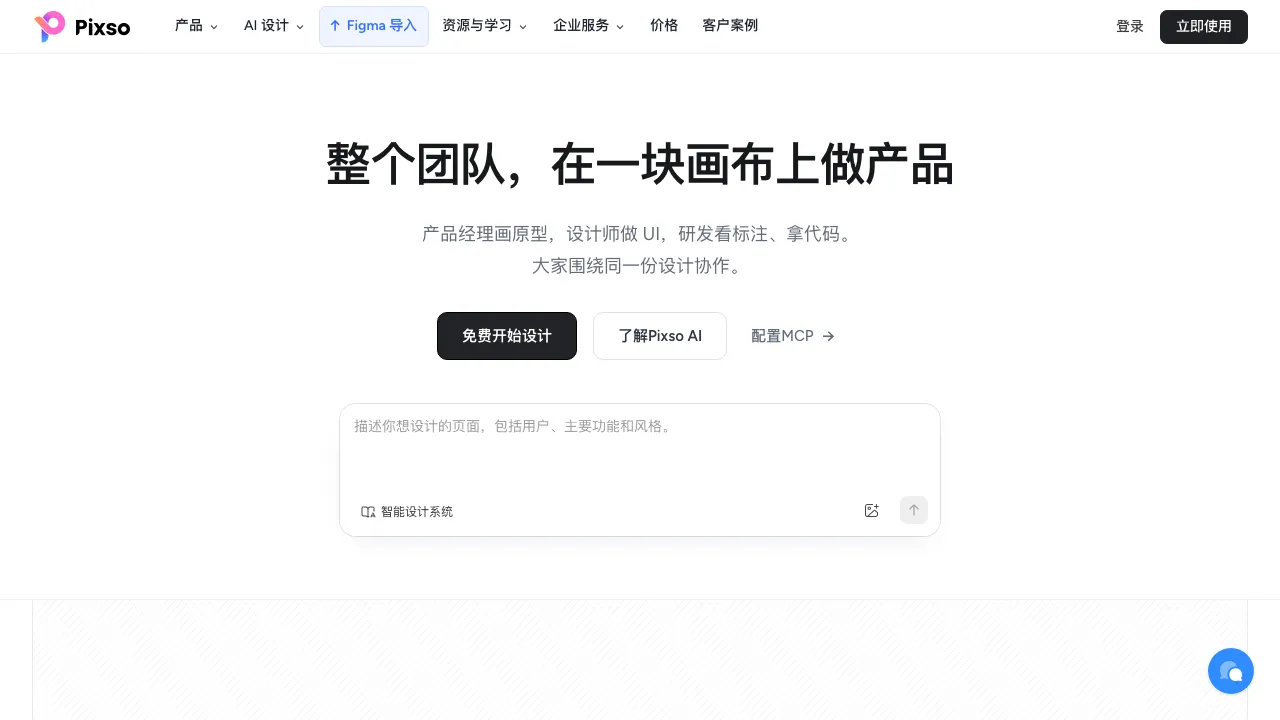
JS Design, MasterGo, and Pixso are three China-built online collaborative UI design tools with similar positioning and different emphases: JS Design supports real-time collaborative editing and can generate editable UI mockups from plain-language prompts; MasterGo positions itself as a digital interface production platform for the AI era, supporting multi-person UI design, prototypes, and turning mockups into code; Pixso packs whiteboard, prototype, UI design, and handoff into one tool with an integrated AI design assistant and multi-device collaboration.
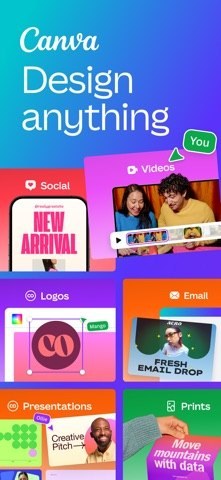
The main tool for operations and marketing staff is Canva: from Australia, it reduces professional design software to drag-and-drop editing, so people without a design background can produce visuals quickly, with templates covering common needs such as festivals, hiring, and promotions, plus real-time multi-person collaboration and a brand asset library.
Meitu fills the retouching slot: a photo editing tool from Meitu, Inc., it covers phone, desktop, and web, offering portrait beautifying and makeup tweaks, filters and color grading, collage and poster templates, and ID photo creation, plus AI erase, AI expand, and AI background swap — so quick beautifying before posting to WeChat Moments or Xiaohongshu, and simple product image work for small e-commerce sellers, need no extra software to learn.
3. Combinations by Scenario: Three Common Workflows
For product interfaces: pick any one of Figma or the three China-built tools to draw interfaces and prototypes, with review and handoff completed inside the same file; when publicity graphics are needed, hand key interface screenshots to Canva to build release graphics from templates, retouching people and photos in Meitu before placing them in.
For operations content: Canva is the starting point, with templates producing posters and social media graphics while the brand asset library keeps the style consistent across issues; when a campaign visual needs careful retouching, Meitu handles the image material, while interface screenshots come back from Figma or JS Design.
For teaching and reporting: Canva slide templates produce courseware and presentation drafts directly; interface design classes can use JS Design or Pixso, with students submitting group work online and teachers annotating inside the file.
4. Access and Pricing: All Six Are Directly Reachable in China
All six tools carry a cnAccess value of direct in the Lumo catalog, meaning they are directly accessible in China. Canva, Figma, and Meitu use a freemium model: the free tier includes many templates and core features, while paid tiers unlock premium asset libraries, brand tools, and more AI quota; pricing for JS Design, MasterGo, and Pixso follows their official sites, so check the current plan pages before choosing.
Before paying, run one round of real tasks: draw the same brief in each interface tool and see which component, collaboration, and handoff flow feels smoother; run two real issues of content in the free tiers of Canva and Meitu and confirm the templates and retouching fit before upgrading.

Tools mentioned


Sources
- Canva
- lumofyi.com
- Figma
- lumofyi.com
- js.design
- lumofyi.com
- MasterGo
- lumofyi.com
- Pixso
- lumofyi.com
- meituxiuxiu.com
- lumofyi.com
This article is compiled from the public sources above and does not reproduce the originals in full; see the official sources for details.