How to Choose an AI Design Tool: A Side-by-Side Comparison of Canva, Figma, and Three Domestic Collaborative Design Tools
1. The Verdict First
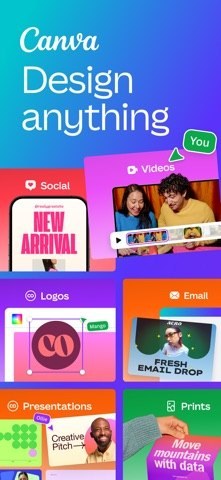
For posters, presentations, and social media graphics, prioritize Canva: an online design platform with abundant templates and built-in AI image and copywriting features; for presentations and posters with layout requirements, starting from its templates offers high efficiency.
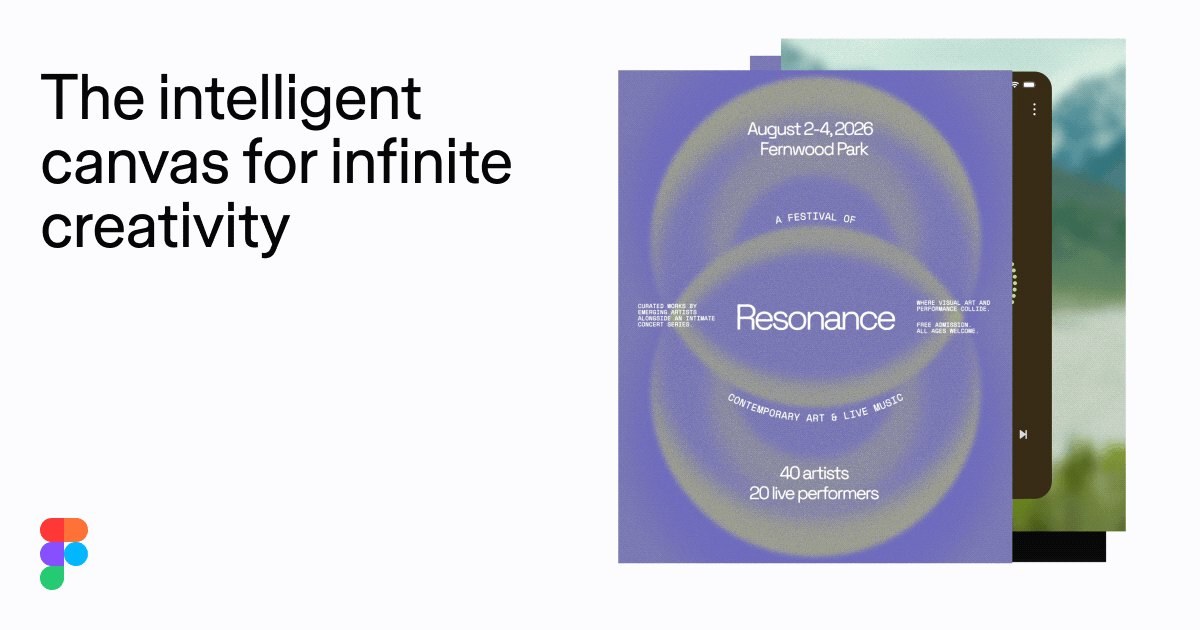
For product interfaces and collaborative UI design, prioritize Figma: a collaborative interface design tool with AI features that serves as the standard for product teams designing interfaces; domestic teams can also consider JS Design, MasterGo, and Pixso, which likewise support real-time collaborative editing and AI-generated design drafts.
For everyday photo editing and AI retouching, use Meitu: a widely used domestic photo-editing tool that is directly accessible in China on a freemium model, suited for quick image output without dealing with complex professional software.

2. A Closer Look at All Six Tools
Canva: An online design platform with built-in AI image and copywriting features and an extensive template library. Its strength lies in layout and visuals: for presentations and posters with layout requirements, starting from its templates and layering on AI tools to edit images and copy yields high efficiency.
Figma: A collaborative interface design tool with AI features. Product teams design interfaces, build prototypes, and run reviews all within the same file; multi-user real-time collaboration is its core foundation, while AI features help draft and iterate faster.
Meitu: A widely used domestic photo-editing and AI retouching tool. Everyday photo editing, beautification, and collages can all be completed quickly on mobile without learning professional software, making it suited for scenarios where speed matters more than granular control.
JS Design: A domestic online collaborative UI design tool supporting real-time collaborative editing and generating editable UI design drafts from natural language, suited for domestic product teams that want to generate interfaces directly with Chinese prompts and refine them together.
MasterGo: A digital interface production platform for the AI era supporting multi-user collaborative UI design, prototyping, and rapid conversion of design drafts into production-ready code, suited for streamlined product R&D workflows from design draft to code delivery.
Pixso: A domestic all-in-one online product design tool combining whiteboarding, prototyping, UI design, and handoff, integrated with an AI design assistant and supporting multi-platform collaboration, suited for teams that want to manage the entire product design lifecycle in one place.

3. Matching Tools to Your Workflow
For posters, social media graphics, and presentations: prioritize Canva for fast template-based starts; for everyday photo editing and retouching, use Meitu on the side without opening professional software.
For app and web interfaces: prioritize Figma for mature collaboration and review workflows; domestic teams or those prioritizing Chinese-prompt draft generation can try JS Design, MasterGo, and Pixso, focusing on comparing their AI generation quality and code handoff capabilities.
From design draft to code delivery: both MasterGo and Pixso highlight "design-to-code" as a selling point—when evaluating them, test converting a real design draft and inspect the usability of the output code rather than relying solely on marketing claims.
4. Access and Pricing Notes
All six tools are directly accessible in China. Canva, Figma, and Meitu follow a freemium model; pricing for JS Design, MasterGo, and Pixso is subject to their official websites, as free quotas and paid thresholds for team collaboration vary by provider and should be confirmed before formal adoption.
Commercial licensing terms for design assets and billing rules for team collaboration differ across providers; before commercial campaigns or team procurement, refer to the current terms on each product's official website.
Tools mentioned


Sources
This article is compiled from the public sources above and does not reproduce the originals in full; see the official sources for details.