AI Design Tools, Combined: How Canva, Figma, Meitu, MasterGo, and Pixso Divide the Work
The Lineup: Five Tools, Five Jobs
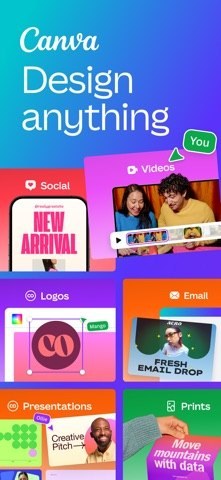
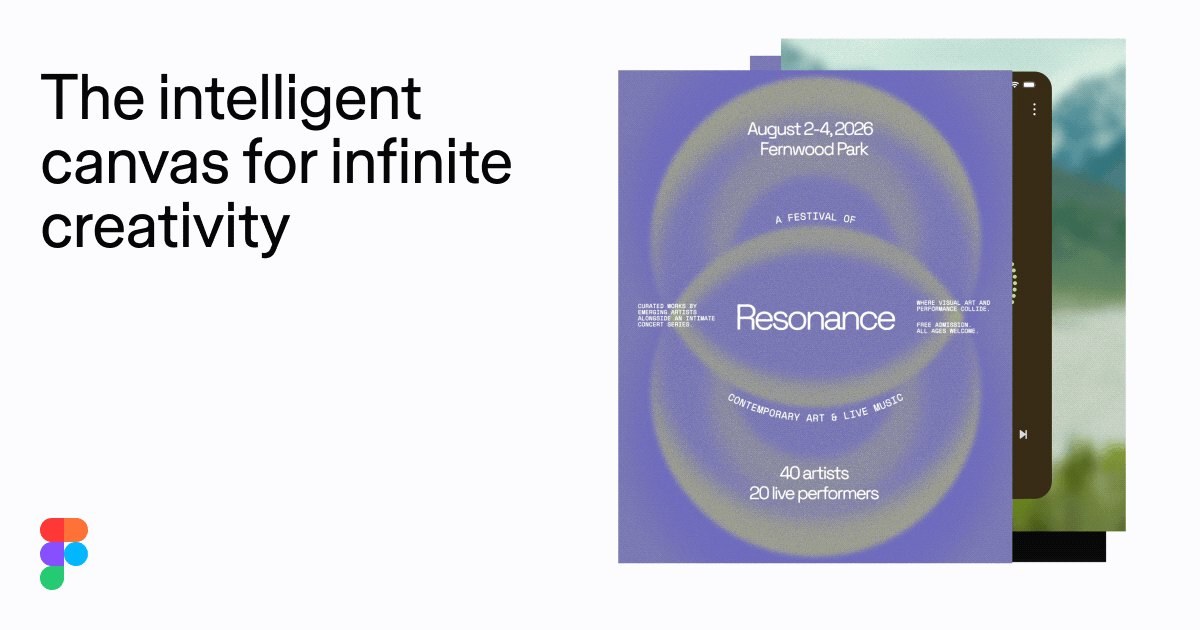
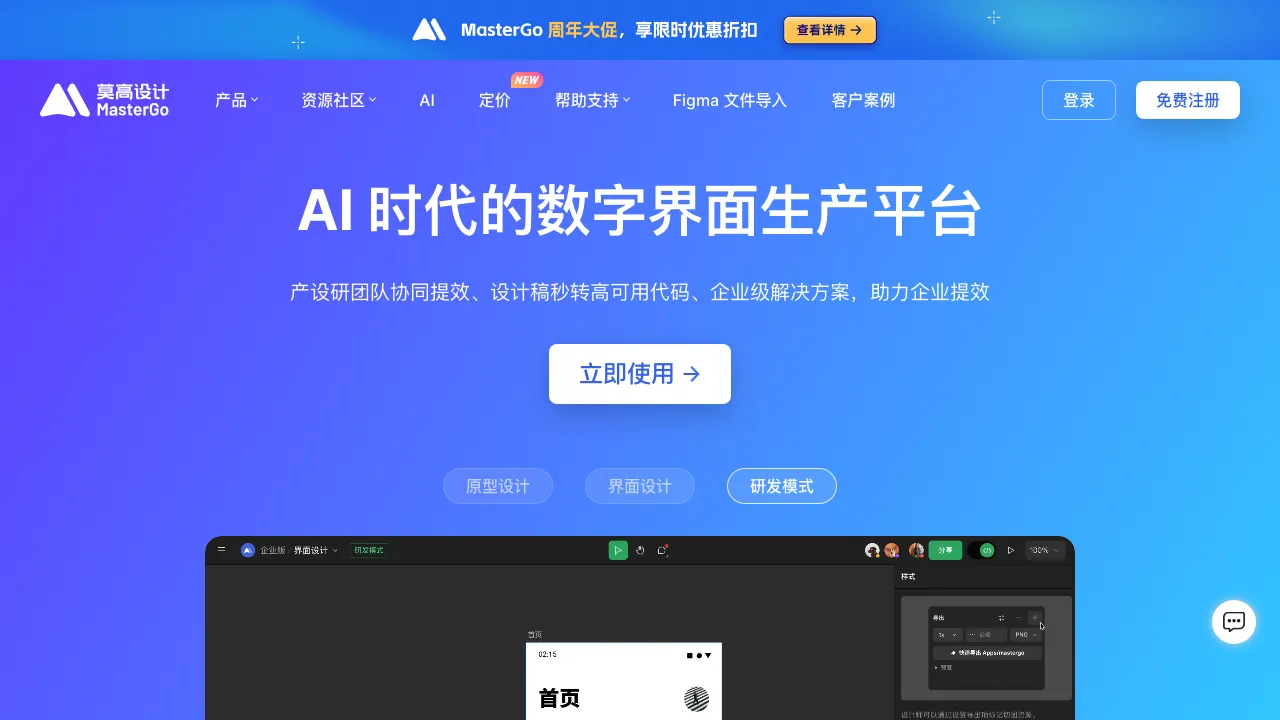
Canva is an online design platform with built-in AI image and copy features, suited to everyday design such as posters, social images, and slide decks: pick a template, change the text, swap the image, and the draft is ready. Figma is a collaborative interface design tool with AI features, suited to app and web interfaces, where several people can work on the same file in real time. Meitu is a widely used Chinese retouching and AI beautification tool; photos get retouched here before they go into a design draft. MasterGo is a digital interface production platform for the AI era, supporting collaborative UI design, prototypes, and turning designs into code, with text and images generating prototypes in one click and a workflow that connects product, design, and engineering through to handoff. Pixso is a Chinese all-in-one online product design tool that brings whiteboard, prototype, UI design, and handoff together, supporting real-time collaboration, design systems, AI-generated editable drafts, and connecting to coding tools through MCP.
The division of labor fits in one line: Canva handles everyday output, Meitu handles retouching, and Figma, MasterGo, and Pixso handle interface design and handoff. You do not need all three interface tools; settle on one main tool and bring in another only when you need to work with a Chinese team or turn designs into code. All five are recorded in our library as directly accessible in China. On pricing, Canva, Figma, and Meitu use a freemium model, while MasterGo's and Pixso's pricing follows their official websites.
Everyday Design and Retouching: Canva and Meitu
Start everyday design in Canva: for posters, article illustrations, and event invitations, templates are already organized by scenario, so changing the text and images produces a finished draft, and the AI image and copy features can add an illustration or draft a headline along the way. When you need images in batches, reuse one template with different text and images instead of starting each one from scratch; it is much faster.
Hand photo work to Meitu first: retouch and beautify photos with AI here, then place the finished photos into a Canva layout, letting each tool do what it does well. This order works especially well for self-media covers and product images: retouch first, lay out second, so the retouching tool never has to worry about layout and the design tool never has to worry about skin tone and lighting.
Interface Design, Pick One of Three: Figma, MasterGo, and Pixso
Among the three interface tools, Figma is the general choice for collaborative interface design: real-time collaboration and AI features are its main line, suiting teams already using Figma. MasterGo is positioned as a digital interface production platform: designs can be turned into code, and prototypes and handoff run through one workflow, suiting teams whose designs go straight to engineers.
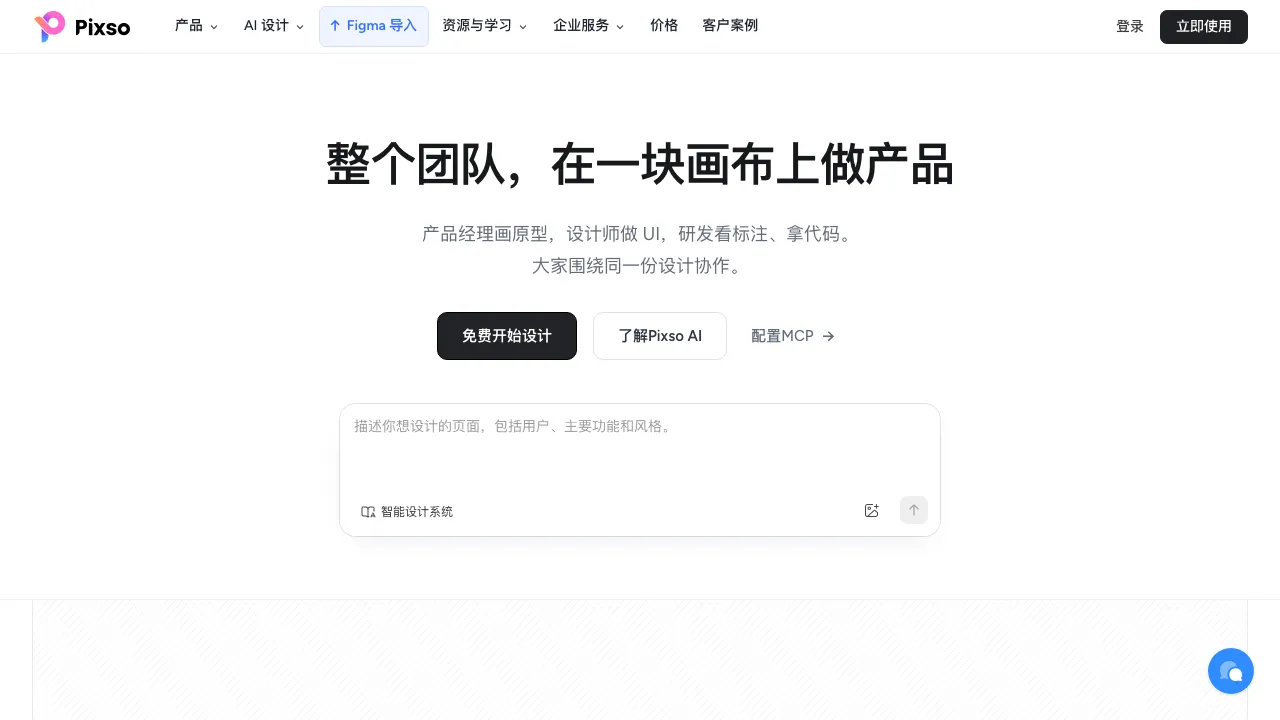
Pixso puts whiteboard, prototype, UI design, and handoff in a single tool: product managers sketch prototypes, designers build the UI, and engineers read annotations and take the code, all in the same file, with support for connecting to coding tools through MCP. The difference between the three is not who can design an interface, but how long the handoff chain runs: pick Figma for design alone, look at MasterGo when designs must become code, and look at Pixso when prototypes and design should live in one place.
How to Combine Them: Three Setups by Scenario
Three setups by scenario: for self-media and everyday design, Canva plus Meitu is enough, one handling layout and the other retouching; for product interfaces, pick one main tool from Figma, MasterGo, and Pixso, and use Canva for the marketing images around it; when product, design, and engineering all need to work in the same file, try Pixso or MasterGo first and see whether prototypes and handoff can run through in one place.
On access and pricing, all five can be opened directly in China. Canva, Figma, and Meitu use a freemium model with free basic features and paid tiers for advanced ones; MasterGo's and Pixso's exact tiers follow their official websites. Run the combination once on the free allowance first: produce a poster, retouch a photo, and sketch an interface prototype, and only consider paying once every step connects smoothly.
Tools mentioned


Sources
This article is compiled from the public sources above and does not reproduce the originals in full; see the official sources for details.