China Direct-Access Design Tools Compared: How to Choose Among Canva, Figma, Meitu, MasterGo, Pixso and Gaoding
The short answer: choose by what you need to make
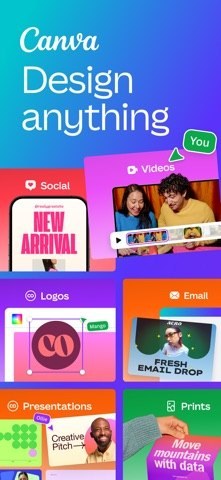
For a single poster, an e-commerce hero image, or a set of social media graphics, Canva, Meitu or Gaoding is enough: all three are strong on templates and retouching, so you change the words and images and the graphic is done, without starting from a blank canvas. Meitu leans toward portrait retouching and AI beautification, so it fits a workflow where you fix the photo first and lay it out second; Canva and Gaoding lean toward template libraries, with posters, e-commerce graphics and PPT templates sorted by scenario, ready to apply and edit.
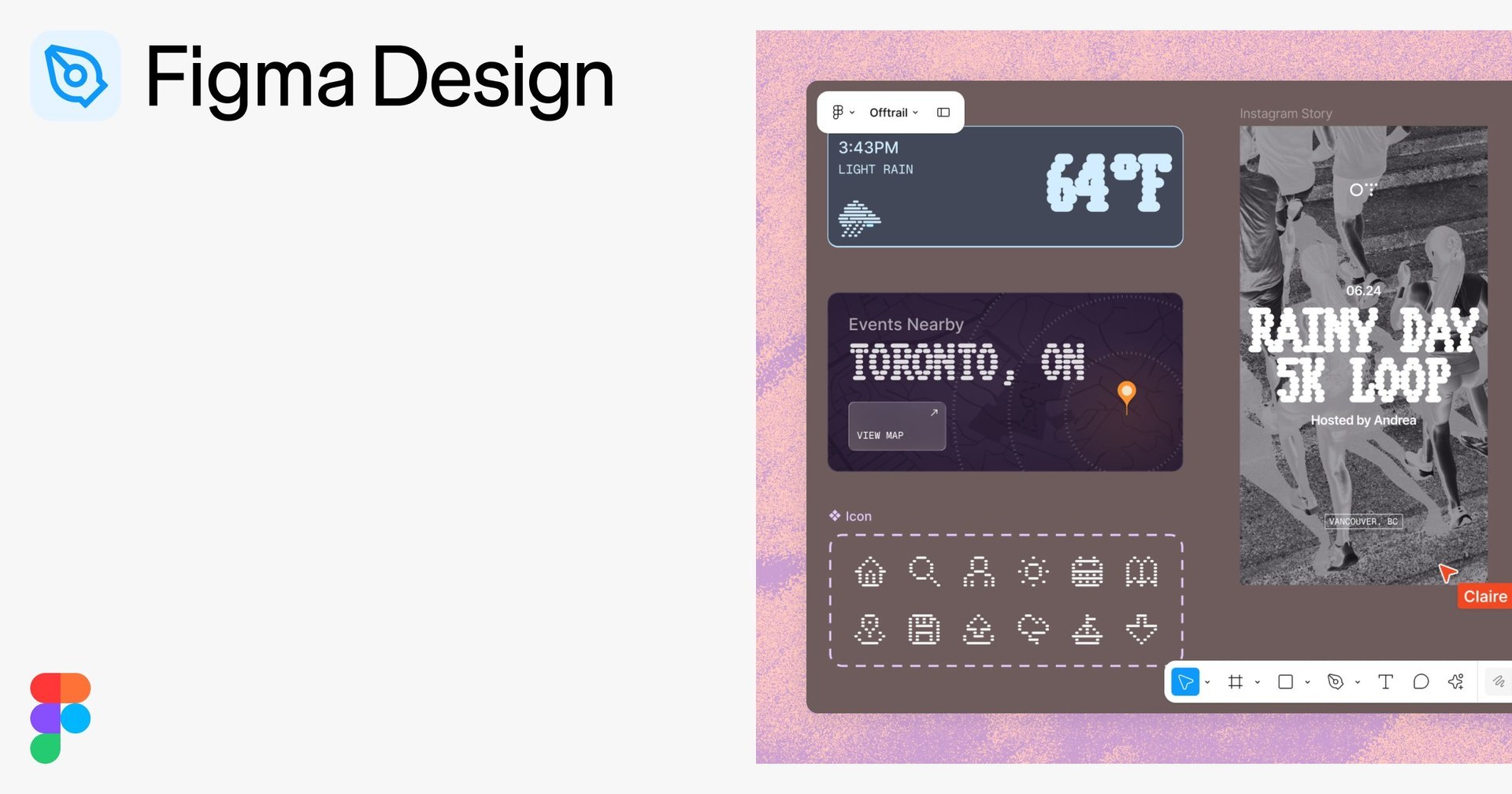
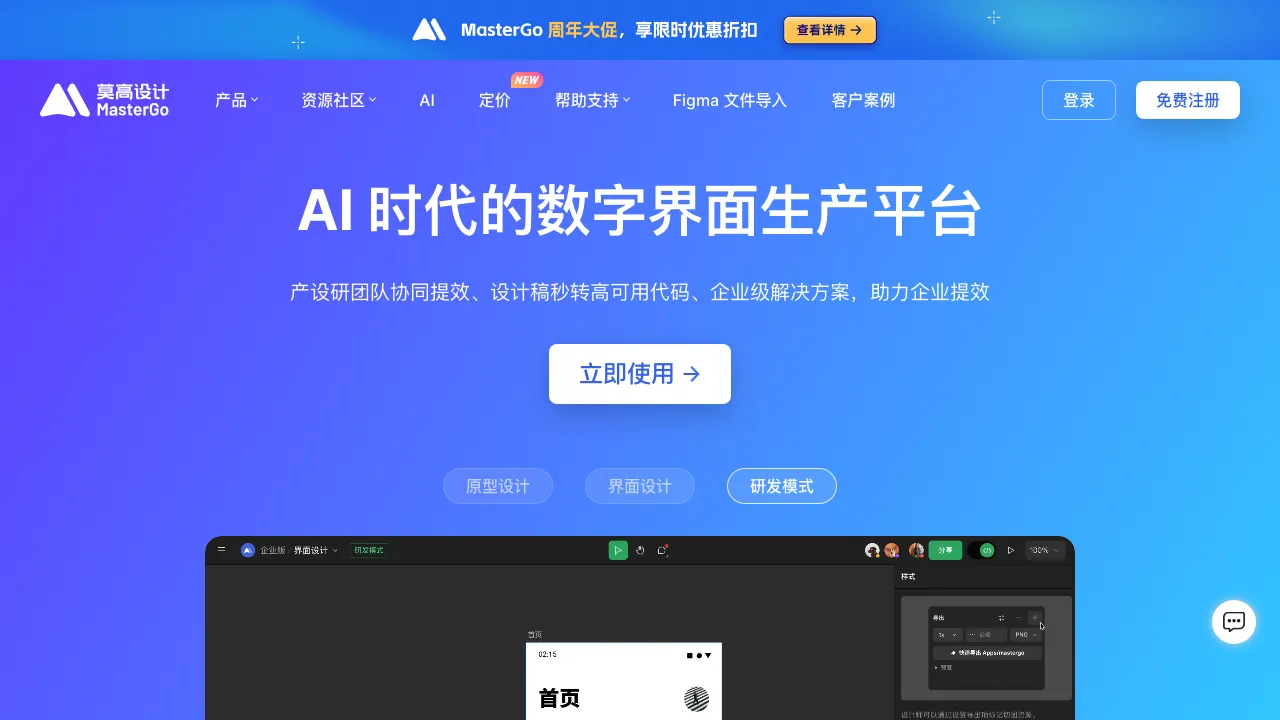
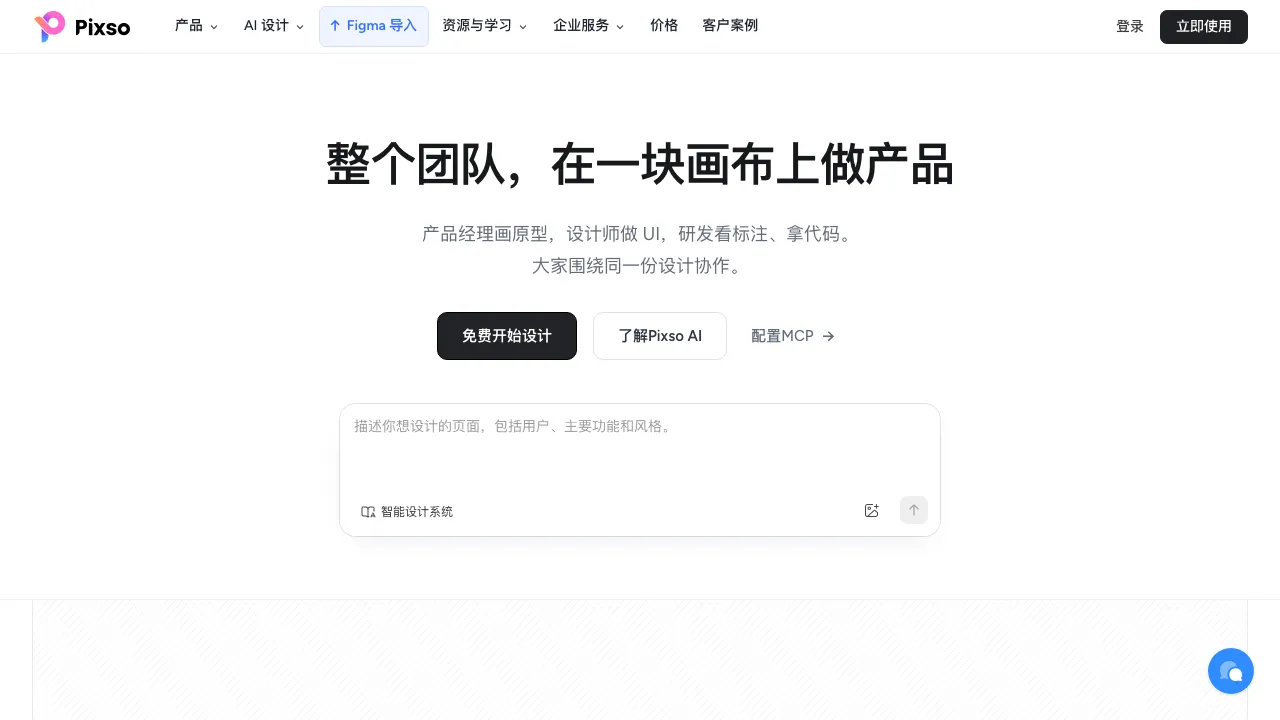
For app interfaces, web pages, product prototypes, or several people drawing the same design file, choose Figma, Pixso or MasterGo. All three are real-time collaborative interface design tools; they differ mainly in emphasis. Figma is a collaborative interface design tool with AI features; Pixso is a Chinese online all-in-one product design tool that puts whiteboard, prototyping, UI design and delivery in one place; MasterGo positions itself as a digital interface production platform for the AI era, supporting collaborative UI design, prototyping and turning design drafts into code.
Six tools in three groups: template graphics, retouching, and interface collaboration
By the library descriptions and their actual positioning, the six tools fall into three groups. The first group is template graphics: Canva and Gaoding. Canva is an online design platform with built-in AI image and copywriting features, and its templates cover common scenarios such as posters, presentations and social media; Gaoding is a multi-scenario online commercial design platform offering poster, e-commerce image and PPT templates plus AI cutout, with e-commerce material as its main scenario. Both work the same way: pick a template first, then edit the content, so graphics come out fast.
The second group is retouching: Meitu. It is a widely used photo retouching and AI beautification tool in China, and its strength is the photo itself; portrait retouching and AI beautification are done before the layout step. The third group is interface collaboration: Figma, Pixso and MasterGo. All three support real-time collaboration and prototyping, so a product team can share one design file from requirements to delivery instead of each person drawing separately and stitching the pieces together.

One by one: who each tool fits
Canva fits people who constantly need graphics of many kinds: operations, marketing and new-media workers. It has many templates, and its AI image and copywriting features sit in the same editor, so you edit and export in one place; its pricing model is freemium. Figma fits product designers and product teams: a collaborative interface design tool with AI features, where working on the same file, commenting and delivery all happen in one place, which suits maintaining one interface over time. Meitu fits people who retouch first and design second: self-media authors, e-commerce sellers and everyday users, for whom portrait and photo handling is handy and ready to use right after retouching; its pricing model is freemium too.
Pixso fits product teams in China: a Chinese online tool that combines whiteboard, prototyping, UI design and delivery, supports real-time collaboration and AI-generated editable design drafts, and offers a Figma file import entry on its homepage, which keeps migration costs low. MasterGo fits teams that want to turn design drafts into usable code: it supports collaborative UI design, prototyping and design-to-code, turns text and images into prototypes in one click, and also offers Figma file import. Gaoding fits e-commerce operations and small and medium merchants: posters, e-commerce hero images, detail pages and PPT templates are ready by scenario, and AI cutout is a commonly used feature; its pricing field in the library is unknown, so check the membership page on its official site before subscribing.
Direct access in China: access and pricing for all six
Compared field by field from the Lumo library, all six tools are direct for China access and can all be opened directly in China. Their pricing models fall into two groups: Canva, Figma and Meitu are freemium, with basic features free and advanced benefits by subscription on their official sites; MasterGo, Pixso and Gaoding have unknown in the pricing field, and this article does not guess specific prices, so benefits and prices follow the live pages on each official site.
A simple way to choose: if you only produce graphics and never draw interfaces, keep Canva, Meitu and Gaoding and pick by the kind of material you make most; if you draw interfaces and carry them through prototyping and delivery, keep Figma, Pixso and MasterGo and pick by how your team collaborates and whether you need design-to-code. Narrow the range by what you usually make, then open each candidate and try it once; that tells you more than a spec table.
Tools mentioned


Sources
This article is compiled from the public sources above and does not reproduce the originals in full; see the official sources for details.