Choosing AI Design Tools by Scenario: Matching Five Options for Posters, UI, and Photo Editing
1. The Verdict First: Split by Scenario
In one sentence: go to Canva for posters, social graphics, and presentation visuals; choose Figma for product interfaces and design systems; use Meitu Xiuxiu for mobile photo editing and collages; and pick MasterGo or Pixso for collaborative UI design among teams in mainland China. None of the five is an all-rounder—once the scenarios are separated, choosing comes down to personal workflow preference.
The point of this breakdown is to settle on your scenario before choosing a tool. There is no universal answer in design software: the right tool changes completely depending on the task at hand. Ask yourself what you are delivering today—a single graphic, a set of interfaces, or a batch of retouched photos—before reading further.
2. A Closer Look at Each of the Five Tools
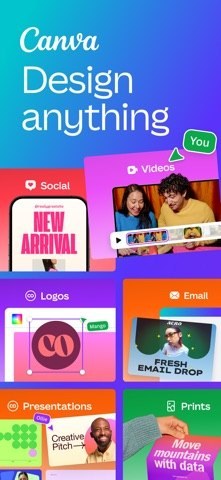
Canva is an online design platform known for its templates and collaboration: for posters, social media graphics, presentations, and resumes, you can pick a template, swap out text and images, and export a finished graphic even without design experience. Figma is a browser-based collaborative design workspace built around components and multiplayer co-editing, keeping UI design, prototyping, and design systems in one place as a primary hub for real-time team collaboration.
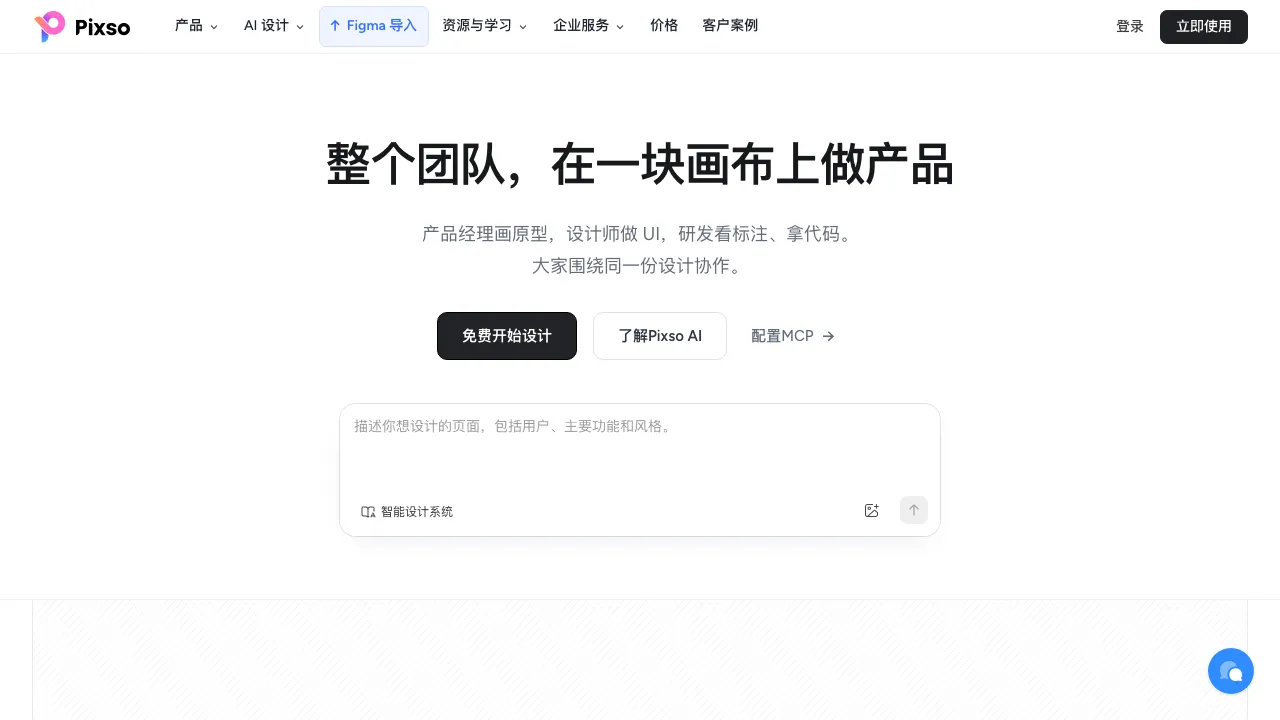
Meitu Xiuxiu is a mobile photo editing and collage tool stocked with filters, beauty retouching, collages, and poster templates, designed for everyday workflows where you snap a photo, touch it up, and post it right away. MasterGo is a domestic UI design and collaboration platform offering interface design, prototyping, and multiplayer collaboration with direct access in mainland China, making it suitable for local teams building product interfaces. Pixso is likewise a domestic UI design tool offering interface design and prototype collaboration with direct access in mainland China, following the same path as MasterGo.

3. Matching Tools to Scenarios
Posters and social graphics: Canva comes first with a broad template library that lets you produce visuals simply by editing text and swapping images, while Meitu Xiuxiu's poster templates are handy for whipping up a quick graphic on your phone. Product interfaces and design systems: Figma comes first with components and multiplayer co-editing at its core so design systems can be built up and reused, while MasterGo and Pixso serve as the corresponding choices for teams in mainland China looking to do the same work with direct local access.
Mobile photo editing and collages: Meitu Xiuxiu comes first—shoot, edit, and post without opening a computer. Collaborative UI design: Figma comes first with multiplayer co-editing and comments right on the canvas, while teams in mainland China can choose between MasterGo and Pixso based on which interface feels more comfortable.
4. Notes on Access and Pricing
On access, all five tools are marked in the directory as directly accessible in mainland China right out of the box, which was a criterion for inclusion in this comparison. On pricing, Canva, Figma, Meitu Xiuxiu, and Pixso use a freemium model where basic features are free while advanced features and team collaboration are tiered by plan; MasterGo's pricing is subject to its official website.
One reminder: freemium does not mean completely free. The free tiers of all five are sufficient for everyday testing, but for heavy usage—such as daily team collaboration or batch graphic exports—check the collaborator limits and export caps of your tier before deciding whether to pay. Splitting by scenario first and picking a tier by usage volume is the most straightforward way to use these five tools.

Tools mentioned


Sources
This article is compiled from the public sources above and does not reproduce the originals in full; see the official sources for details.