Choosing AI Design Tools by Budget: From Free Edits to Team Collaboration
Start with the Free Tier: What It Covers
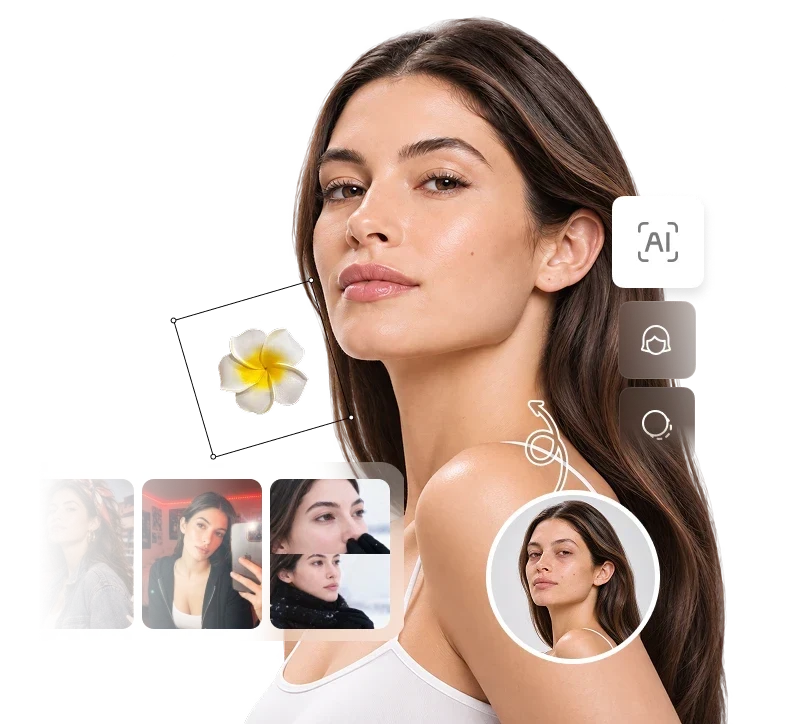
Meitu is the most direct free option for photo editing: everyday needs like AI retouching, background swaps, and batch processing are covered by the free tier, making it a fit for personal photos and social media images.
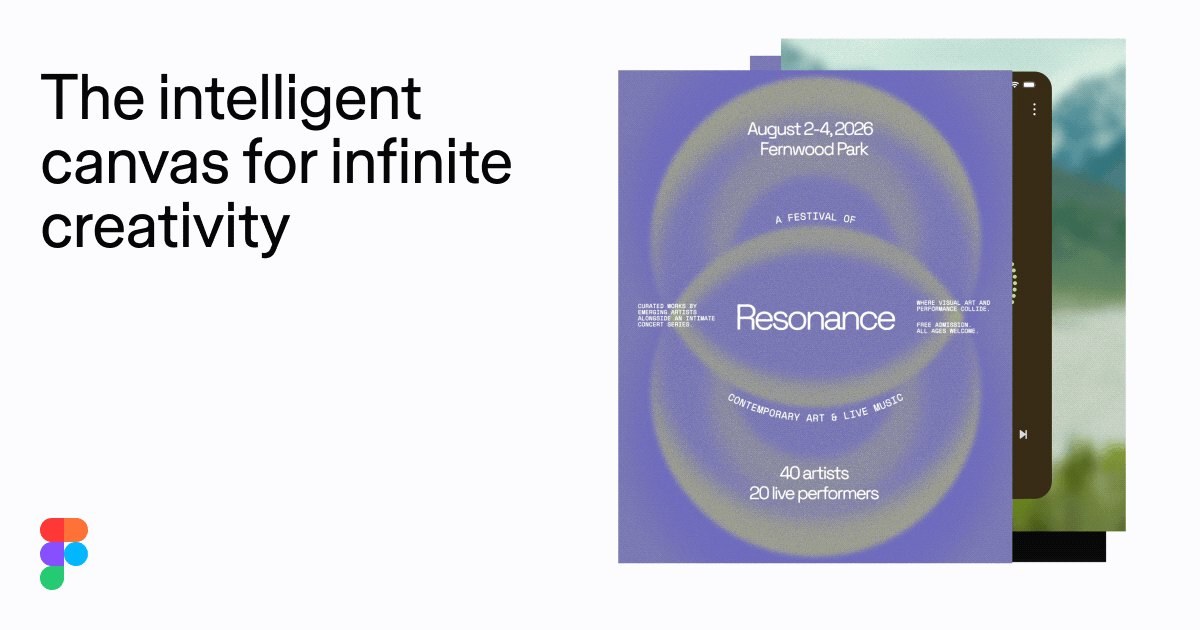
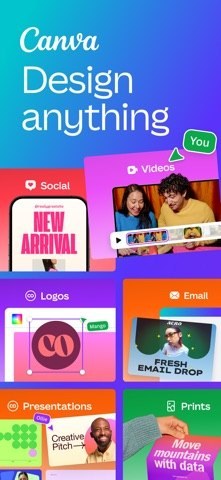
Canva's free tier suits posters, covers, and presentations: its templates and basic assets are enough for daily use, so individuals and small content operations can start free. Figma's free tier suits personal design and small-scale collaboration: interface design, prototyping, and handoff can all get started there, and personal projects and portfolios need no payment first.
Pixso's free tier is positioned much like Figma's: it covers interface design and collaboration too, so the free tier is a good way to check whether it fits your working habits. MasterGo, a Chinese collaborative design platform, lets you try its collaboration flow on the free tier; its pricing is marked as unknown in the library, so check the official site for the current version and price before starting.
How to Judge the Freemium Trade-off
First, check where the free tier stops: Canva usually limits premium templates and assets, Figma and Pixso usually limit collaborator counts and project numbers, and Meitu usually limits advanced retouching features and export options.
Next, check whether the paid tier buys convenience or capability: for individual users, upgrading mostly brings more complete assets and features, while for teams it brings collaboration scale and management. Ask first whether you lack assets or collaboration, then decide whether to upgrade.
MasterGo's pricing needs a separate check: its pricing field is unknown in the library, so confirm the current price and version on the official site before budgeting, rather than estimating from old material. Try one real project free first: finish a poster, an interface set, or a batch of edits on the free tier and count how often you hit the paywall. If you never hit it, stay free; if you hit it repeatedly, upgrade.
Recommendations by Budget
Zero budget: Meitu for photo edits plus Canva for posters already covers personal content creation for free; for interface design, start with the free tier of either Figma or Pixso.
A personal upgrade budget: put it into the tool you use most. Consider Canva if you make posters and marketing images often, Figma or Pixso if you design interfaces often, and Meitu if you edit photos often. Upgrade one tool at a time.
A team collaboration budget: the paid value of Figma, Pixso, and MasterGo lies mainly in collaboration scale. Count the team size and the number of parallel projects first, then match them against each tool's collaboration tier — with a small team, the free tier plus a modest upgrade is often enough. For long-term output, work out the total cost: a few images a month is cheaper on the free tier with pay-as-you-go use, while daily output justifies a monthly plan.
How to Choose
Photo edits and social images only: start with Meitu, and add Canva when you need posters and layouts. Both start free, so zero budget is enough to begin.
Interfaces and prototypes: choose between Figma and Pixso — build one small project free in each, see whose workflow feels smoother, and then commit to one for the long term.
A Chinese collaboration workflow: MasterGo suits teams that prefer a Chinese collaborative design platform; check the current pricing and version on the official site first, then pick a tier by team size. The overall order is: fix the design task first, then the budget tier, and only then the tool — spend where you hit the wall every week.
Tools mentioned


Sources
This article is compiled from the public sources above and does not reproduce the originals in full; see the official sources for details.