An Advanced Workflow for AI Design Tools: Six Picks Linking Collaboration, Quick Graphics, Prototyping, and Handoff
The Workflow Idea: Split by Stage
Of the six, JS Design is also marked as direct access in the library, but its site page returned 404, so it is not covered here; it will be added once its page is back. The remaining six cover collaboration, quick graphics, prototyping, and handoff, so the workflow has no gaps. Of the six included, Figma and Canva are freemium, while pricing for the other four is unmarked in our library; check their official websites. All six are marked as directly reachable from China, ready to use on arrival.
Before splitting, settle on the main canvas: wherever the team collaborates day to day, visuals and prototypes should gather there; switching tools around costs more than fixing the main canvas first. Once the main canvas is settled, visuals, prototypes, and handoff all gather on it: team members no longer guess where files live, and engineering handoff no longer needs asking which version a design is.
Collaborative Design Desks: Figma and MasterGo
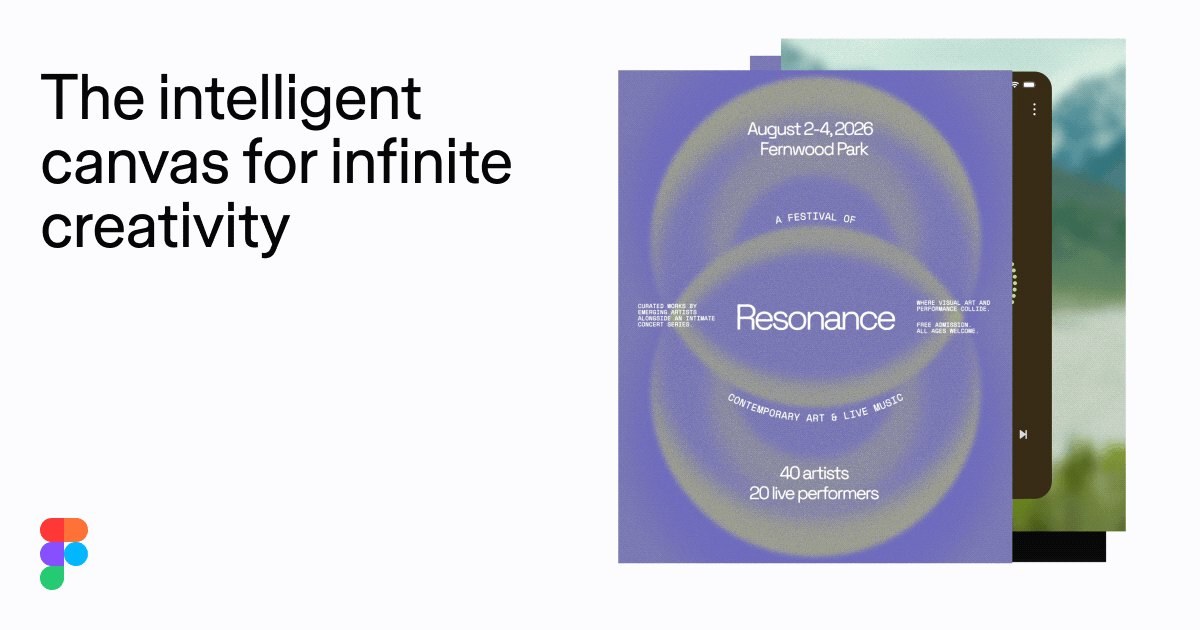
Figma is a collaborative interface design tool with AI features: several people edit one design file at the same time, with components and styles maintained in one place, suiting teams that maintain the same interface over the long term. Maintaining components and styles in one place pays off later: change one place in the interface and the whole site follows, so maintaining the same interface over time means much less rework.
MasterGo is a digital interface production platform for the AI era, supporting collaborative UI design, prototypes, and design-to-code, with one-click prototype generation from text and images, and a workflow connecting product, design, and engineering: when you want fewer rounds of rework between design and engineering handoff, it works well as the main collaborative canvas. Design-to-code is its other stretch: to cut rework between design and engineering handoff, keep collaboration and delivery on the same platform, so the link between designs and code stays clear.
Quick Graphics: Canva and DesignKit
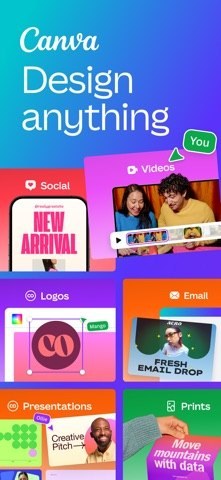
Canva is an online design platform with built-in AI image and copywriting features: for posters, presentations, and social graphics that need to be fast and plentiful, start from a template here instead of a blank canvas. Templates make starting fast: for posters, presentations, and social graphics that need speed and volume, adapt a template first and refine details later, saving time compared with starting from a blank canvas.
DesignKit is an AI design platform from Meitu, covering e-commerce design, image processing, AI posters, AI product images, and PPT, with online design tools and many templates: for e-commerce and product images needed in batches, handle them here in bulk. Batch work is a different matter: e-commerce and product images often come dozens at a time, where polishing one by one does not work, so a platform supporting batch work and templates keeps the pace up.
Prototyping and Handoff: Pixso and Modao
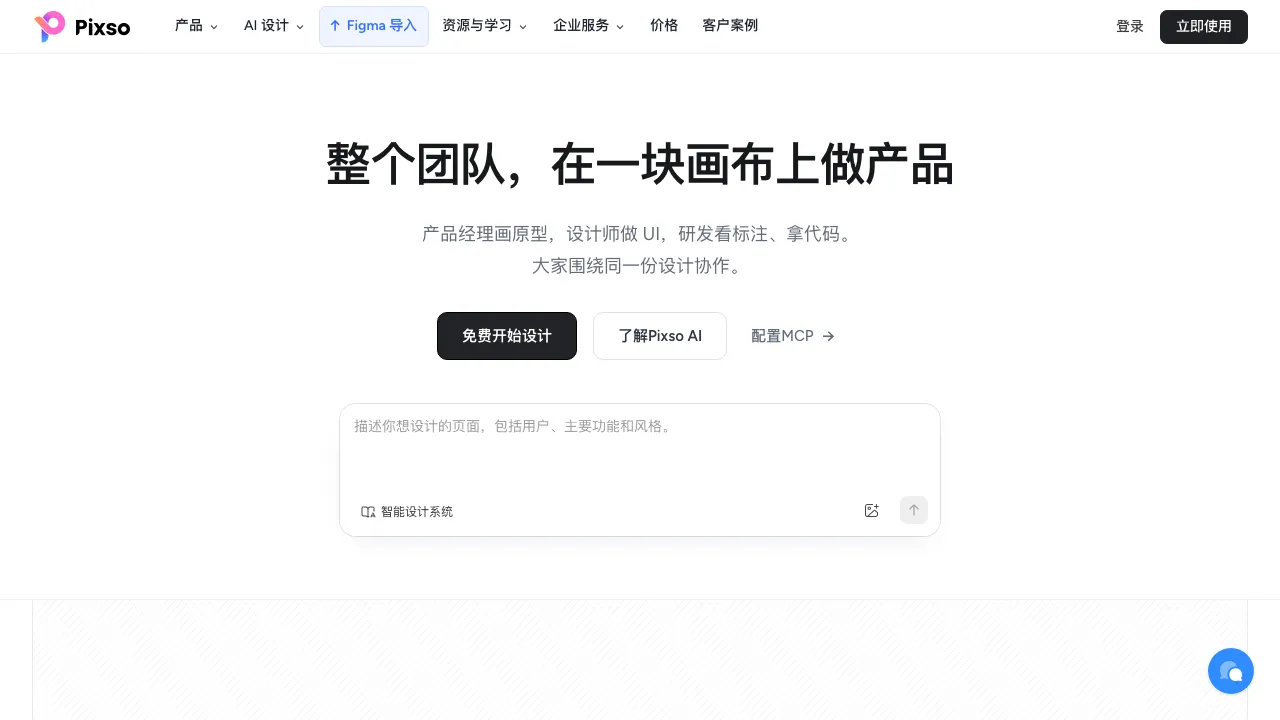
Pixso is a Chinese online product design tool combining whiteboard, prototype, UI design, and handoff in one, with real-time collaboration, a design system, and AI-generated editable drafts, plus MCP access for coding tools: when prototype, design, and handoff should live in one place, it covers the whole stretch. An all-in-one tool means moving fewer files: whiteboard, prototype, UI design, and handoff in one place, so an idea travels from whiteboard to deliverable design without switching places, and versions stay tidy.
Modao is a smart prototyping and product-engineering collaboration platform, supporting high-fidelity prototypes, whiteboards, UI design, and one-sentence AI generation of prototypes, PPTs, and documents: when an idea has just formed and you want a clickable prototype fast, it verifies quickest. Quick verification is what prototypes are for: when an idea has just formed, seeing a clickable prototype matters more than polishing visuals, and details come after verification passes. Of the six, Figma and Canva are freemium; pricing for the other four is as stated on their official websites.
Tools mentioned


Sources
This article is compiled from the public sources above and does not reproduce the originals in full; see the official sources for details.