Which Tool Should You Use for AI Background Removal and Photo Retouching? Matching remove.bg, Photoroom, and Meitu to Your Needs

1. The Verdict First
If you simply want one-click background removal, use remove.bg: an online tool for removing image backgrounds with a single click—just upload an image to automatically strip the background, with direct access in China and a freemium model.
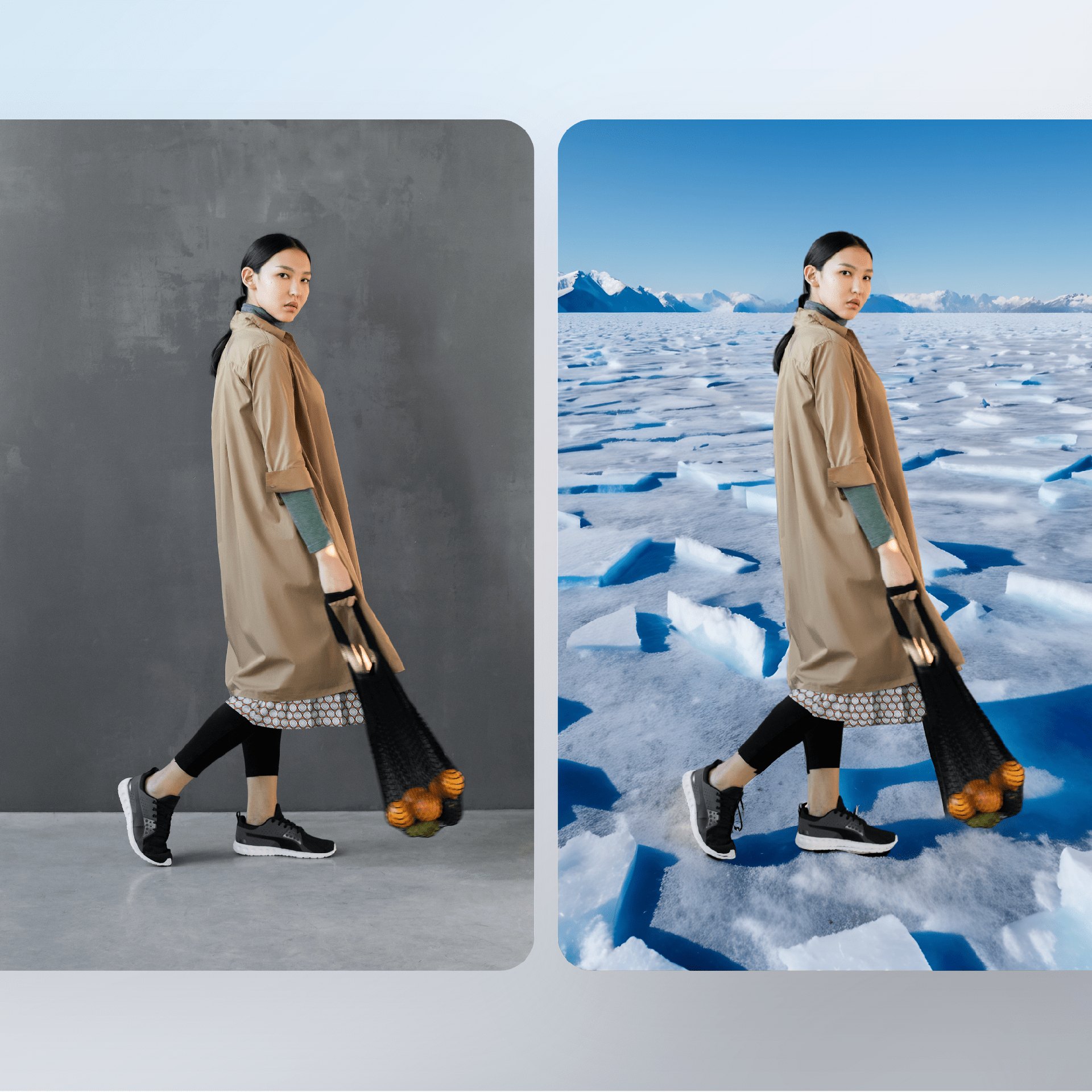
If you are creating e-commerce product images, use Photoroom: built for e-commerce product cutouts and background generation, it can generate studio-style backdrops right after removing the background, making it well-suited for batch-producing product photos.
If you need everyday photo retouching and beautification, use Meitu: a widely used photo editing and AI beautification tool in China with direct domestic access and a freemium model, ideal for quick edits without wrestling with professional software.

2. A Closer Look at the Three Tools
remove.bg: An online tool for one-click image background removal. Upload an image and the background is automatically removed, making it suited for ID photos, avatars, and product shots where you only need the subject, via the shortest possible workflow: upload, download, done.
Photoroom: Background removal and background generation for e-commerce product photos. Cutting out the subject is just the first step—its real value lies in background generation, placing a casually snapped product photo into a studio-style scene for high efficiency when batch-producing product listings.
Meitu: A widely used photo retouching and AI beautification tool in China. Everyday retouching, beautification, and collages can all be completed quickly on a phone, with one-tap AI beautification for scenarios where turnaround speed matters more than granular control.
3. Four Criteria to Check Before Choosing
Edge handling (hair and transparent objects): The dividing line in cutout quality lies in the edges. Fine strands of hair, transparent objects, and semi-transparent materials are the easiest to get wrong—when testing tools, try a real photo with hair rather than relying solely on sample images.
Export resolution and free-tier limits: Free tiers often carry resolution caps; check each product's documentation for specifics. For social media posts, free-tier resolution is sufficient, whereas for printing or e-commerce listings, verify the export resolution first.
Batch processing support: For just one or two images, manual cutouts work fine; when launching dozens of e-commerce items at once, batch processing becomes essential. Photoroom's batch capability is one reason it fits e-commerce workflows well.
Direct accessibility in China: remove.bg and Meitu are directly accessible in China, while access to Photoroom is subject to its official website. Confirm you can open the tool smoothly before evaluating cutout quality.

4. Frequently Asked Questions
Are images exported on the free tier sharp enough? Free tiers often have resolution limits; refer to each product's documentation for exact details. They are generally adequate for social media, while for print or commercial use, check the export resolution and licensing terms first.
How should I handle the background after cutting out the subject? remove.bg outputs a transparent background, suited for compositing your own backdrop later; Photoroom can directly generate a new background after removal, suited for e-commerce product shots; and Meitu lets you retouch the image right after cutting it out and share it immediately.
Tools mentioned



Sources
This article is compiled from the public sources above and does not reproduce the originals in full; see the official sources for details.