Which AI Tools to Use for Cross-Border E-Commerce? Matching Translation, Product Images, and Marketing Videos

1. Summary Conclusion
For English listings and customer service emails, start with the three-tool set of DeepL, QuillBot, and Grammarly: DeepL is known for natural translations and handles Chinese-to-English drafting; QuillBot handles English rewriting and summarization to vary phrasing; Grammarly handles English writing checks and polishing for a thorough review before sending. All three are directly accessible in China and freemium.
For product images, use Photoroom and Remove.bg: Photoroom handles cutout and background generation for e-commerce product images, suited for batch-producing white-background images and scene images; Remove.bg removes image backgrounds in one click, suited for quickly processing single images. Remove.bg is directly accessible in China and freemium; Photoroom's accessibility is subject to its official website.
For marketing short videos, use CapCut: ByteDance's video editing tool with built-in AI features, suited for editing product footage into short videos and adding captions and templates; it is directly accessible in China and freemium.
2. A Closer Look at the Six Tools
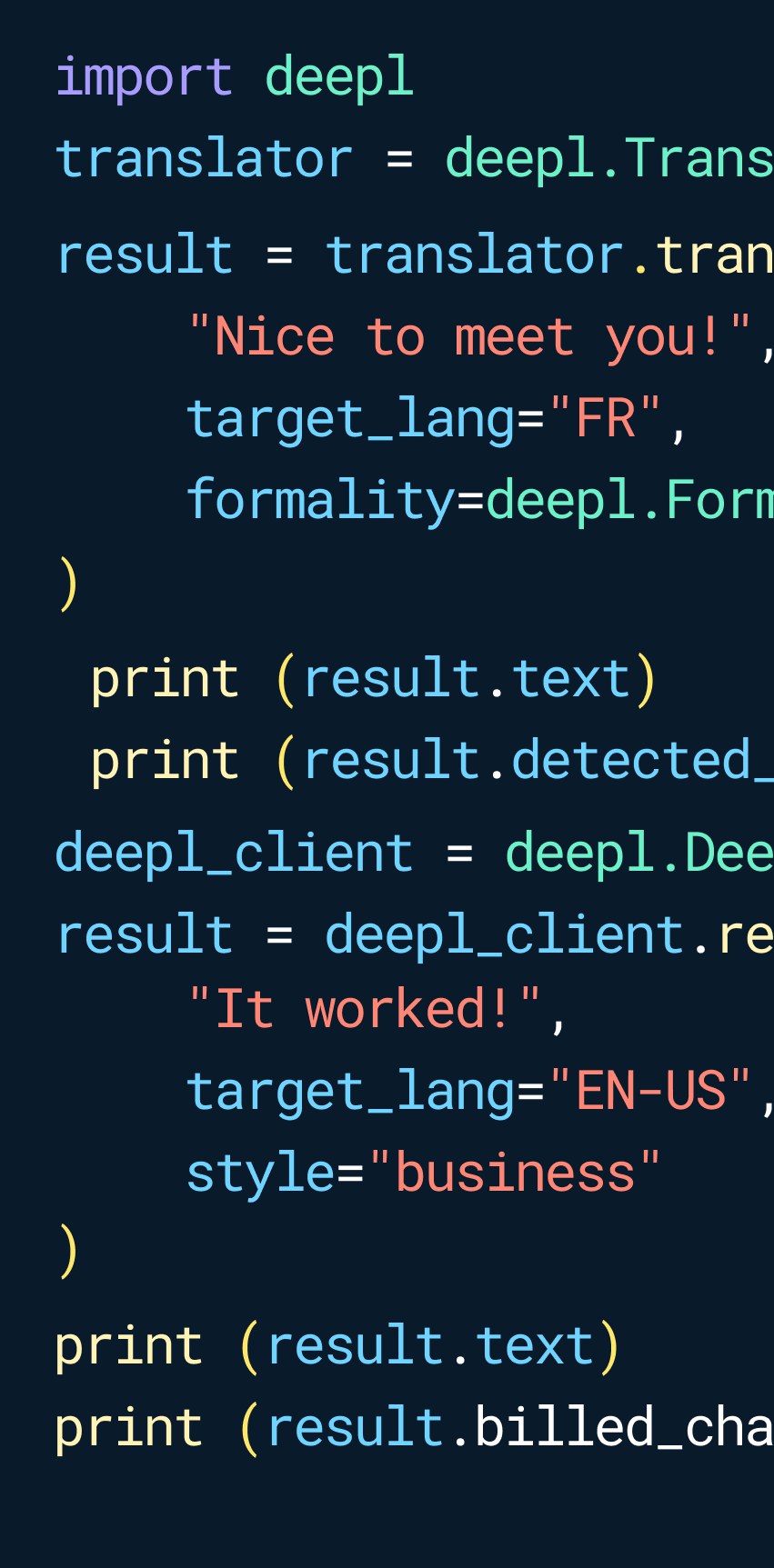
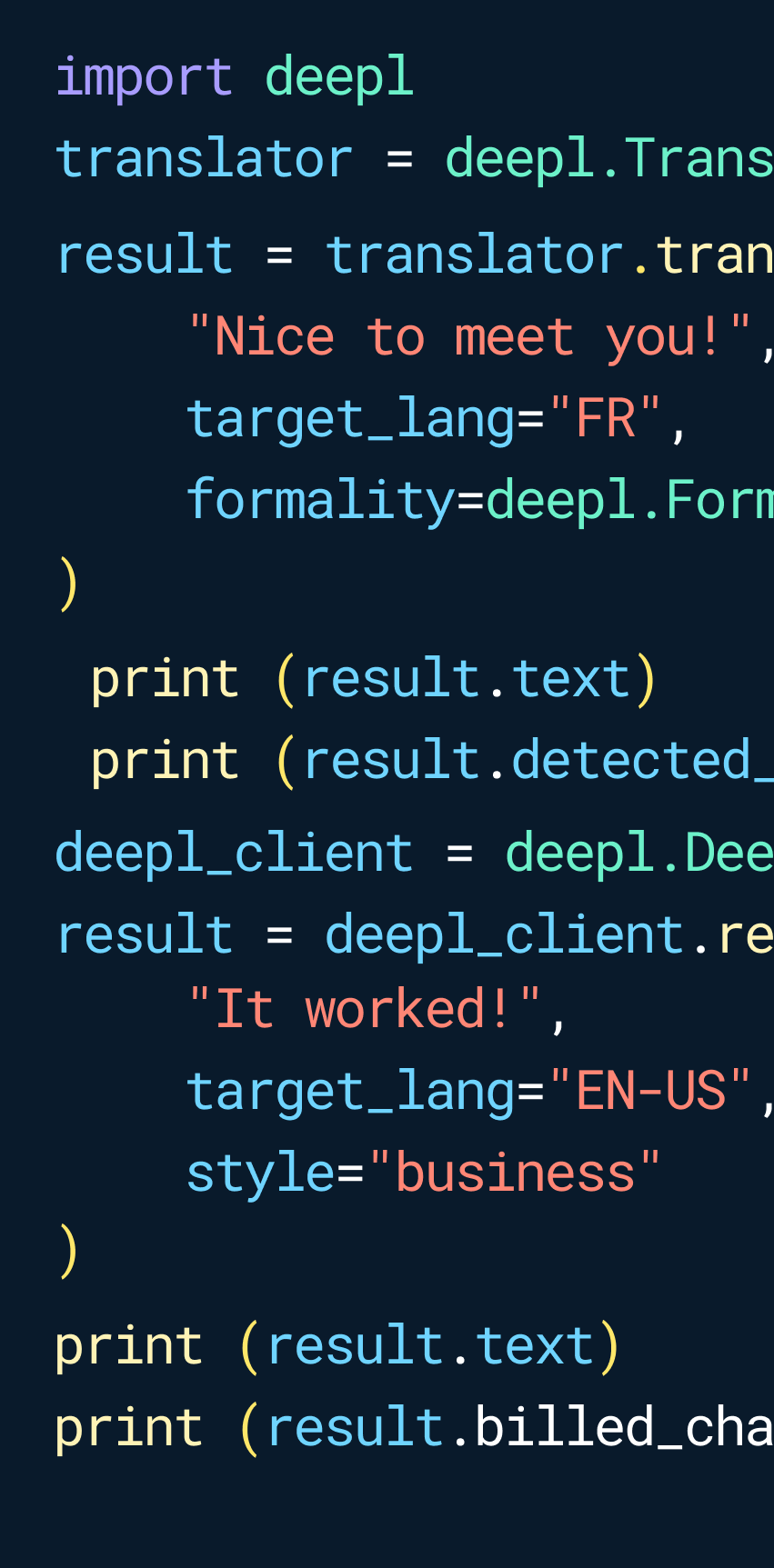
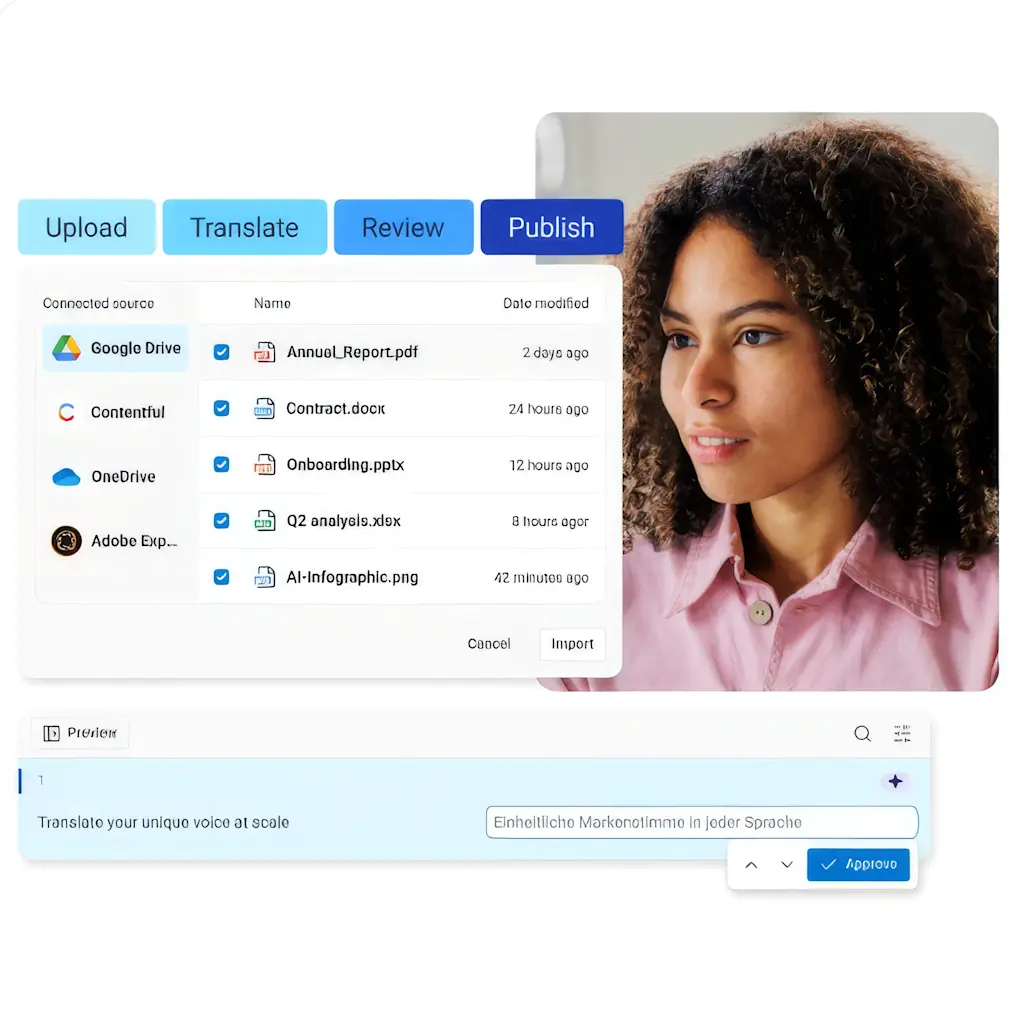
DeepL: Machine translation known for natural-sounding output. Suited for translating Chinese product descriptions and customer service scripts into English, then refining tone sentence by sentence against the original text; directly accessible in China and freemium.
QuillBot: English rewriting and summarization tool. Suited for rephrasing stiff listings or compressing long product descriptions into short selling-point sentences; directly accessible in China and freemium.
Grammarly: English writing checking and polishing tool. Suited for thoroughly checking grammar and phrasing in listings and customer service emails before publishing or sending; directly accessible in China and freemium.
Photoroom: Cutout and background generation for e-commerce product images. Suited for batch-producing white-background images, scene images, and promotional images; freemium, with accessibility subject to its official website.
Remove.bg: Online tool for one-click image background removal. Suited for quickly processing single product images and pairing them with your own backgrounds after background removal; directly accessible in China and freemium.
CapCut: ByteDance's video editing tool with built-in AI features. Suited for editing product footage into marketing short videos and adding captions and templates; directly accessible in China and freemium.
3. Choose by the Three Stages of Going Overseas
For English writing, take three steps: use DeepL for initial translation, QuillBot for rewriting to vary phrasing, and Grammarly for a full check before listing; doing the three steps separately is less error-prone than generating all at once.
For product images, split by batch size: for batch image creation, use Photoroom, which combines cutout and background generation; for quick single-image processing, use Remove.bg, and pair with your own background after one-click background removal.
For marketing videos, consider the platform: CapCut is suited for editing vertical short videos like TikTok and Reels; before listing, check each platform's rules on generated content and copyright, as product images and video assets are subject to official terms.
4. Frequently Asked Questions
Can AI-generated product images be listed directly? They can be used for main images and scene images, but you need to confirm the platform's rules on generated images; actual product details, sizing, and material information must be accurate, and images must not mislead buyers.
Can Photoroom be used directly in China? Its access method is not labeled in the directory and is subject to its official website; Remove.bg, DeepL, QuillBot, Grammarly, and CapCut are all labeled as directly accessible in China.
Tools mentioned




Sources
This article is compiled from the public sources above and does not reproduce the originals in full; see the official sources for details.