AI Course and Teaching Videos: Outlines Become Slides, Scripts Become Narration, Editing Becomes Checking

Set the structure first: one lesson, one point
The biggest risk in a teaching video is trying to cover too much: three key points in one lesson means students remember none of them. Before you start, write the lesson as a one-sentence goal, split it into three to five key pages with one idea each, put examples and exercises on their own pages, and end with a small task students can do right away.
As of 2026-11-24, the Lumo library lists 135 tools in the video category. The 6 picked here cover slides, avatar narration, and editing in three stages — follow them in order and a 5 to 10 minute lesson can be finished the same day.

How the 6 tools divide the work: slides, narration, editing
Gamma turns an outline into slides: enter the key points and it generates a laid-out deck on a freemium plan, with access from China to be confirmed on its official site — good for building the skeleton of a lesson first. Synthesia and HeyGen handle the on-camera narration: enter a script and they generate an avatar-led explainer video; the former is freemium with direct access from China, while the latter's pricing should be confirmed on its official site and its access from China is restricted.
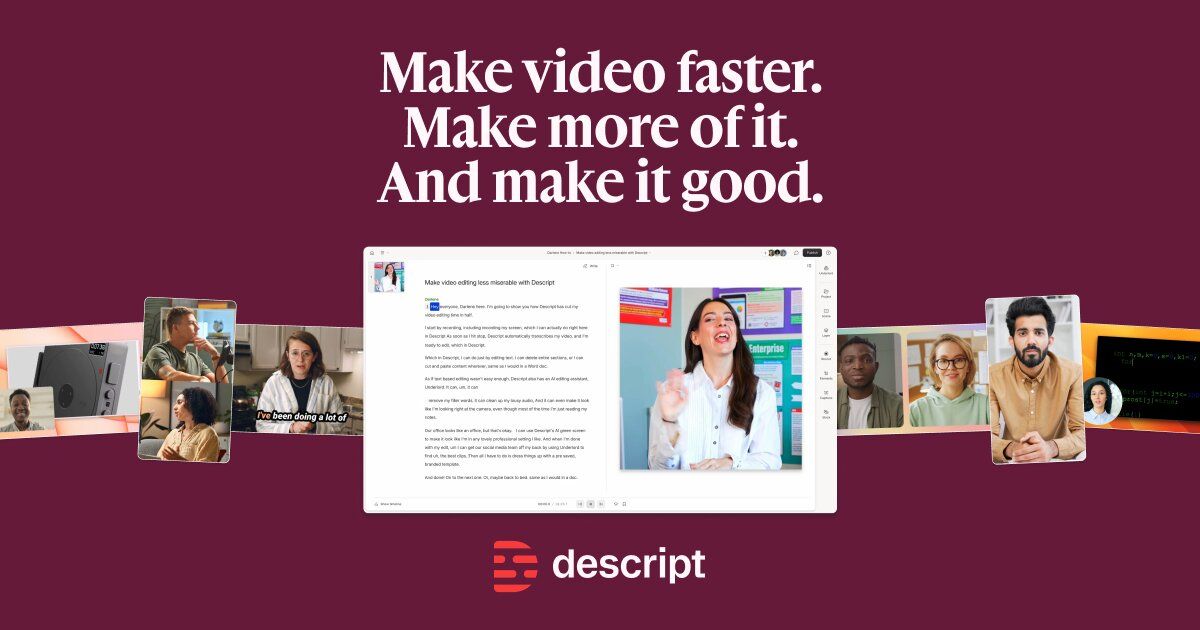
Descript, Jianying, and CapCut handle the finished cut: Descript lets you edit a video's lines the way you edit a document, freemium with direct access from China; Jianying and CapCut are both freemium with direct access from China, suited to cutting, subtitling, transitions, and music, with Jianying closer to usage habits in China.
One workflow: outline, finished cut, and a final check
Step one: build the slides in Gamma from your outline and check every fact page by page. Step two: choose the narration format — use Synthesia or HeyGen for an avatar presenter if you do not want to appear on camera, or record your own voice if you do. Step three: drop the material into Jianying or CapCut, cut pauses and slips, and add subtitles and an opening.
Before publishing, watch the whole video once: check the subtitles for typos, check that the numbers match the slides, and fix any spots where the volume jumps. In a teaching video, one wrong number matters more than one wrong line, so the fact-checking step cannot be skipped.
Access and pricing: start with the free tiers that work directly
On access, Synthesia, Descript, Jianying, and CapCut are listed as directly accessible from China; Gamma's access from China should be confirmed on its official site, and HeyGen's access from China is restricted. If you need avatar narration and cannot open HeyGen, try the Synthesia route first.
On pricing, HeyGen's pricing should be confirmed on its official site, and the other five are freemium — the free tier is enough to test one or two lessons. Run one complete lesson on the free tier first, confirm the workflow feels smooth and the feedback is good, and only then decide which tool to pay for.
Tools mentioned


Sources
This article is compiled from the public sources above and does not reproduce the originals in full; see the official sources for details.