Choosing AI Coding Tools by Learning Curve: From Zero-Setup Starts to Pro Workflows

1. Overview: A Ladder Ordered by Learning Curve
These six tools form four rungs: Lovable and v0 at the bottom, needing no code at all; Trae and Lingma in the middle, for people who know some code; Cursor above them, for developers who code every day; and Claude Code at the top, for developers already at home in the terminal. Each rung has a clear output: the lower two produce runnable pages and prototypes, the middle one changes existing code, and the upper two take on daily development and terminal work.
A ladder helps because every step has a clear next one: once something runnable exists, moving one rung up deepens the work without starting over. Of the six, Lingma is free; Cursor, Trae, Lovable, and v0 are freemium; Claude Code is paid — and access differs from tool to tool, as noted below. When choosing, first ask whether you write code now, then whether you are willing to switch editors — those two answers together point to the right rung.
2. Starting From Zero: Lovable and v0 Turn One Sentence Into an Interface
Lovable turns conversation into a runnable web app: describe the page you want in one sentence, and it returns something you can open and click — a good way to test an idea from nothing. Freemium; the catalog's access field is not yet confirmed, so check the official website for connectivity before starting. Once the idea is tested, decide whether to keep going — there is no need to set up a heavy development environment from the start.
v0 is Vercel's UI and front-end code generator: it also starts from conversation, but what comes out is an interface and its front-end code — a fit for anyone who wants a polished page without starting from a blank file. Freemium; the catalog's access field is likewise unconfirmed, so the official website is the reference.
3. Once You Know Some Code: Trae and Lingma
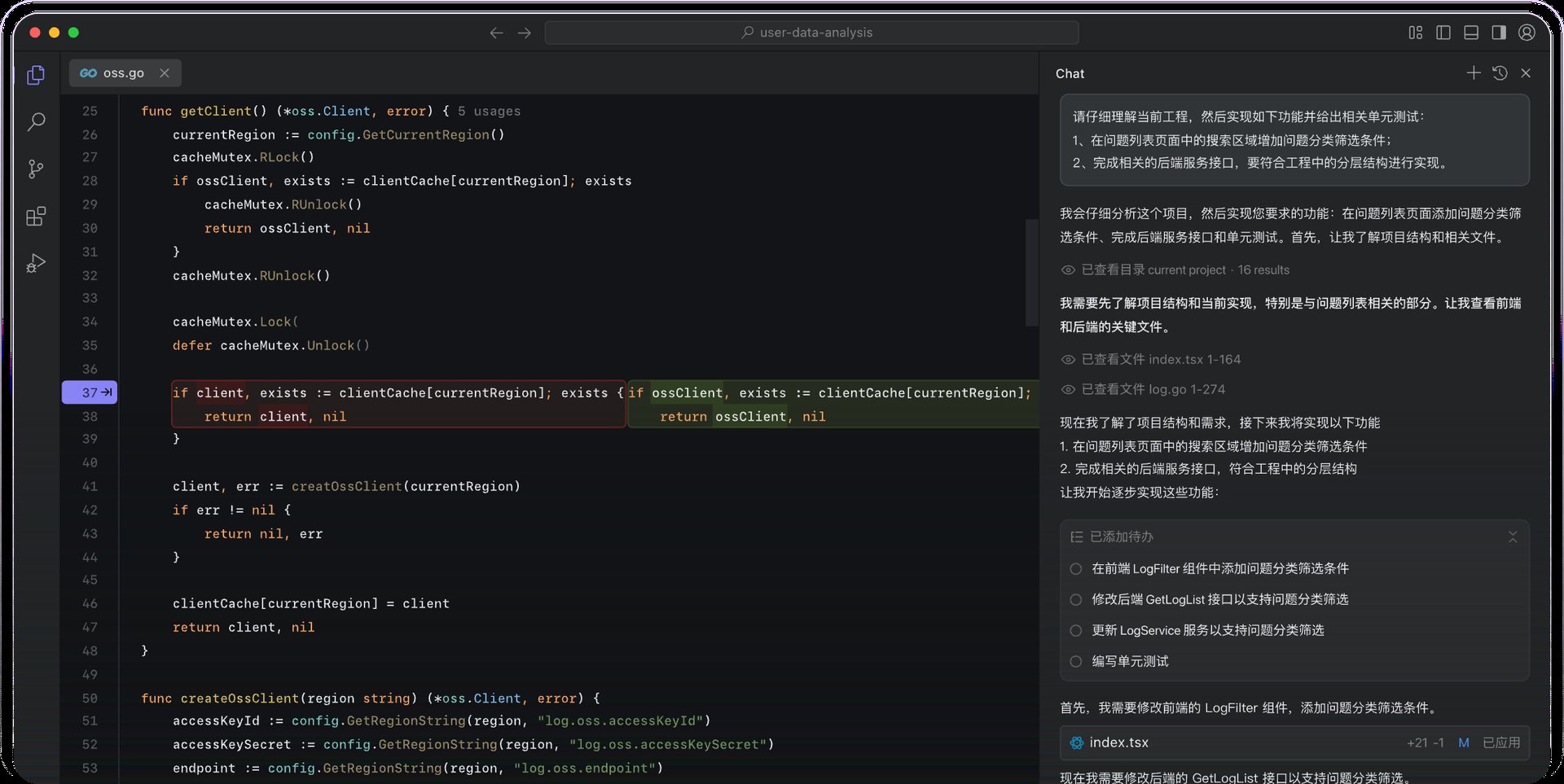
Trae is ByteDance's AI coding tool, built for turning ideas into product prototypes quickly: people who already know some code can use it to get a working prototype sooner, then keep refining it. Freemium and directly accessible in China.
Lingma is Alibaba Cloud's AI coding assistant, working as an IDE plugin: it completes, explains, and rewrites code right inside the editor, with no need to switch tools or habits. Free and directly accessible in China — one of the gentler rungs on both learning curve and cost. For people who code daily, its completions and rewrites land directly in the editor, which keeps the flow smooth.
4. Pro Workflows: Cursor and Claude Code
Cursor is an AI-first code editor where natural language writes and changes code: developers who code daily can use it as their main editor, letting AI complete and refactor as they go — a fit for long-term work on an existing project. Freemium and directly accessible in China. The larger the project, the more this write-and-revise-as-you-go approach saves — no switching back and forth between tools.
Claude Code is Anthropic's agentic coding tool inside the terminal: without opening an editor, it edits multiple files, runs tests, and walks through Git flows from the command line — for developers already working in the terminal. Paid, with restricted access in China; check your own setup before starting.
Tools mentioned






Sources
- Cursor
- Trae
- lingma.aliyun.com
- v0
- Lovable
- Claude Code
- lumofyi.com
- lumofyi.com
- lumofyi.com
- lumofyi.com
- lumofyi.com
- lumofyi.com
This article is compiled from the public sources above and does not reproduce the originals in full; see the official sources for details.