Open-Source AI Coding Tools: How to Choose Between OpenCode, Cline, Aider, and Zed
1. Conclusions First: Form First, Then Model Freedom
Conclusions first: if you live in the terminal, choose OpenCode or Aider; if you edit code in an editor, choose Cline or Zed. All four are open source and directly accessible in China; OpenCode, Cline, and Zed are freemium, while Aider's pricing is not stated in the catalog — check its official website.
Open source here means, in practice, visible code running in your own local environment, with model providers you can swap instead of being tied to one vendor. OpenCode's description states support for dozens of model providers — the most practical point when choosing: if the model can change, the tool does not become obsolete when one provider changes.
2. The Terminal Group: OpenCode and Aider
OpenCode is an open-source terminal AI coding agent that reads and writes code from the command line and supports dozens of model providers. It is freemium and directly accessible in China. People who spend the day in the terminal need no new environment — the command line is the workbench, and the model can be swapped at will.
Aider is an open-source terminal AI pair-programming tool that works with a large model in the command line to modify code and automatically commit to Git, directly accessible in China. Its role is pair programming: editing code and committing versions all happen in the command line, suiting people who already have a Git workflow and want AI plugged into it. Pricing is not stated in the catalog — check the official website before adopting it.
3. The Editor Group: Cline and Zed
Cline is an open-source autonomous coding agent that runs as a VS Code extension, able to read and write files, execute commands, and call tools. It is freemium and directly accessible in China. If you already use VS Code, there is no editor to switch — install one extension and the AI can read files and run commands inside your existing projects.
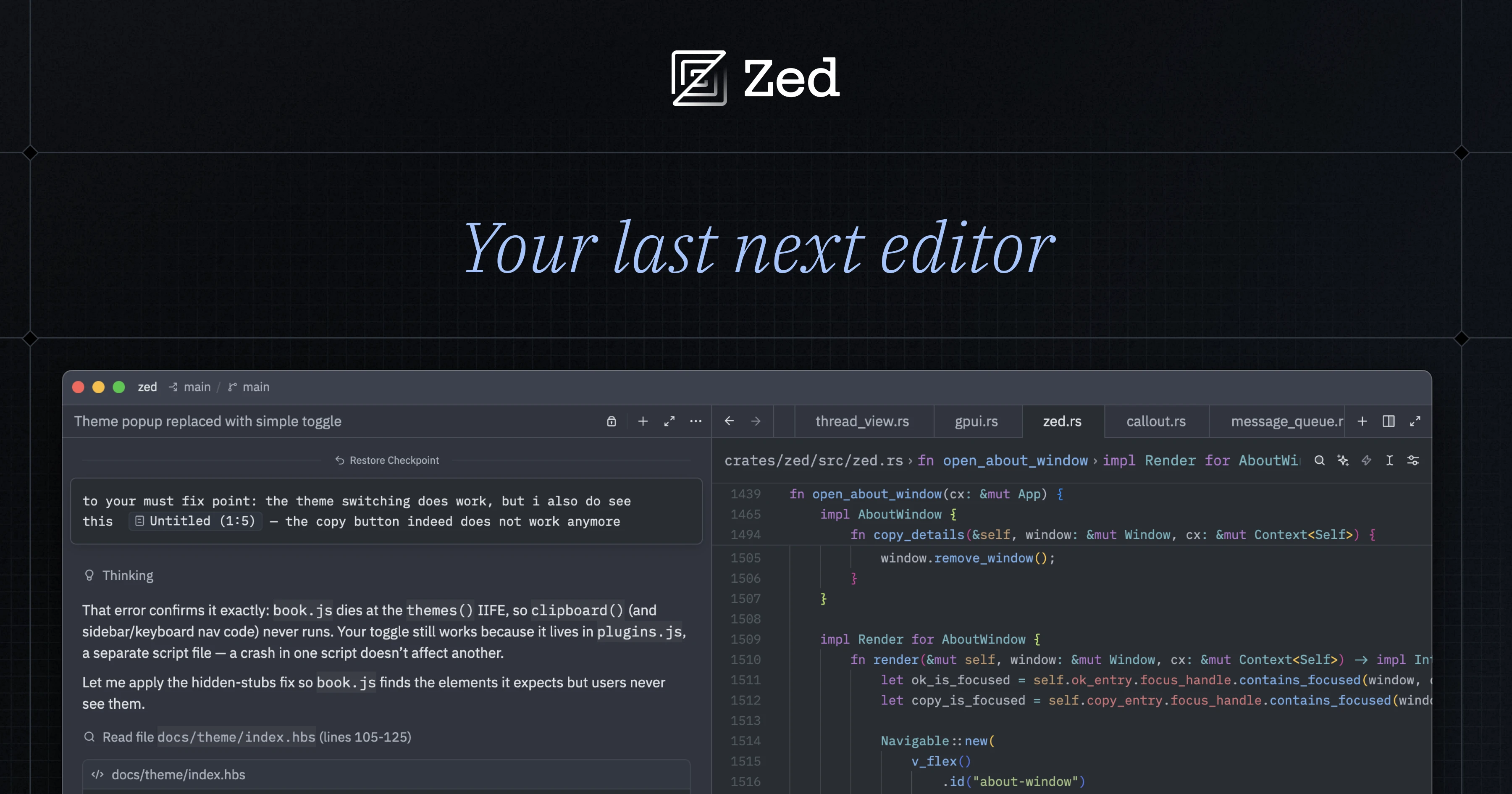
Zed is a high-performance code editor written in Rust, supporting real-time multi-user collaboration, with a built-in AI agent that can read files, change code, and run tests. Its tags state open source. It is freemium and directly accessible in China. Its approach is an editor with AI built in: editing, collaboration, and AI code changes happen in one window, suiting people who want a lightweight editor plus an AI partner.
4. Choosing Advice: Three Checks Before Installing
Three reminders before choosing. First, look at form: the terminal group and the editor group are not ranked — only habit matters, and installing the wrong form hurts more than picking the wrong model. Second, look at model freedom: OpenCode explicitly supports dozens of model providers, so switching models is cheap and long-term use is steadier. Third, look at pricing: try the three freemium tools on their free quotas first, and confirm Aider's pricing on its official website, checking quota and feature limits before paying.
One last note: open-source tools update fast, and the pricing and access status here reflect verification on 2026-11-24. Before installing, check the official website or code repository for the latest notes, then decide which one to install.
Tools mentioned




Sources
This article is compiled from the public sources above and does not reproduce the originals in full; see the official sources for details.