Advanced AI Coding Workflows: Moving from a Solo Editor to Multi-Agent Parallelism Without Chaos
1. The Core Conclusion: A Three-Tier Division of Labor
An advanced workflow can be split into three tiers: the editor tier for quick edits, the terminal tier for long-running tasks, and the cloud tier for parallel testing and refactoring. The editor tier consists of Cursor, Trae, and Windsurf: you write code while AI provides inline completions, rewrites, and explanations with small diffs and fast feedback. The terminal tier consists of Claude Code and OpenCode: hand over a complete task, and the agent autonomously edits code, runs commands, and fixes tests in the CLI without constant supervision.
The cloud tier is Codex: multiple agents write code and run tests in parallel in the cloud, suited for dispatching several independent tasks at once. These three tiers are not mutually exclusive choices, but a single pipeline: small edits stay out of the terminal, large refactors do not crowd the editor, and parallel tasks do not share the same working directory. Tiering ensures each tool does only what it excels at, rather than forcing one tool to handle everything.

2. A Closer Look at the Six Tools
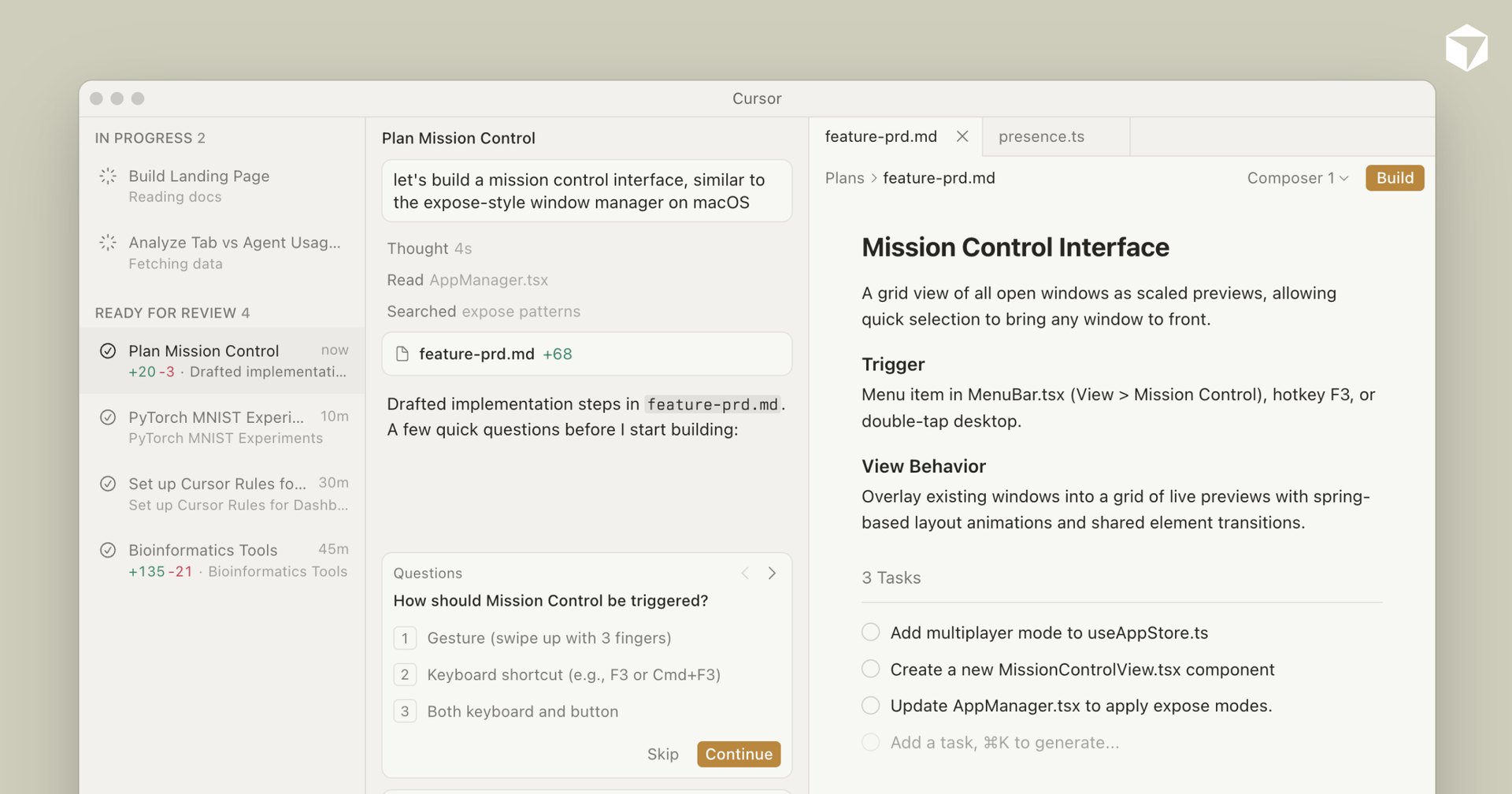
Cursor is an AI-powered code editor that understands whole-project context and modifies code from natural-language instructions, fitting the primary slot for daily development where edits are visible immediately as you code. Trae is ByteDance's AI coding tool, directly accessible in China, making it suited for rapid product prototyping out of the box under network conditions in China.
Windsurf is an AI-native IDE with embedded AI capabilities in an editor form factor, positioned similarly to Cursor as an alternative for developers whose main workspace is the editor. Claude Code is Anthropic's terminal-based coding agent—it requires special network access in China and is well suited for handing off long tasks like refactors and migrations end to end, autonomously editing code and running commands in the terminal while humans handle task assignment and acceptance.
OpenCode is an open-source terminal AI coding agent that reads and writes code from the command line and supports dozens of model providers, fitting developers who want to switch models without vendor lock-in. Codex is OpenAI's coding agent that runs multiple agents in parallel in the cloud to write code and execute tests across terminal, editor, and desktop environments, fitting scenarios where multiple tasks are dispatched to run asynchronously in the cloud.
3. Three Tracks of an Advanced Workflow
The first track is rule files and memory, enabling coding agents to retain project conventions across sessions. Put project standards into a rule file so the agent reads it at the start of every session instead of repeating instructions verbally. The key is recording only stable conventions rather than ad-hoc requests: coding style, directory structure, and testing requirements belong in the rule file, whereas one-off feature specs do not.
The second track is multi-agent parallelism via worktree isolation. Give each agent its own working directory and branch, splitting tasks by module to avoid conflicts on the same files; humans then review and merge changes item by item, without agents touching the main branch directly. See tonight's tutorial, "Running Multiple Coding Agents in Parallel," for step-by-step instructions. The third track is a review loop: agent outputs first open a PR, humans inspect diffs line by line before merging, and any changes failing tests are sent back for rework rather than letting unverified code enter the main branch.
4. Matching Tools to Your Scenario
Small personal projects: a single editor-tier tool is enough—choose Cursor or Trae based on network access, and occasionally offload long tasks to a terminal agent. Team collaboration: standardize rule files and enforce a PR review loop; when running many parallel tasks, adopt worktree isolation paired with a centralized approval inbox.
Refactoring legacy code: lean on the terminal tier, letting Claude Code or OpenCode take over whole modules while humans verify section by section, leaving only minor touch-ups to the editor. Multi-model switching: if your primary model is unstable or you want provider flexibility, OpenCode's multi-model support offers greater adaptability; if your team already runs smoothly on one vendor's stack, staying within that ecosystem saves overhead. For access, Trae is the most hassle-free option as it is directly accessible in China, whereas Cursor and Claude Code require special network access in China—confirm your team's network conditions before choosing.
Tools mentioned





Sources
This article is compiled from the public sources above and does not reproduce the originals in full; see the official sources for details.