Mixing AI Chat Assistants With Traditional Tools: How to Split Reasoning, Long Reads, Search, and Notes
1. Overview: A Pipeline From Question to Finished Draft
A mixed workflow starts by splitting the task: think first, then research, then write. DeepSeek fits at the start for thinking, Kimi for working through long documents, Metaso for research, Notion for keeping the conclusions found along the way, WPS AI for the final pass inside a document, and Doubao stays on call for everyday questions. The order can run the other way too: let Kimi read the material first, then hand the questions to DeepSeek.
The benefit is that each step uses what its tool is good at: reasoning goes to the tool built for reasoning, long documents go to the tool built for long reads, research goes to an ad-free search tool, notes go to a notes tool, and the draft goes to a document tool. Of the six, DeepSeek and Doubao are free, and the other four are freemium; all six are directly accessible in China. This split does not need to be assembled all at once: start with the two or three tools you already use, and add more once the flow feels natural.

2. Think Before Acting: DeepSeek and Kimi
DeepSeek is the assistant from DeepSeek (深度求索); the catalog notes its strong reasoning and coding ability — a good fit for the start of a workflow: put the question to it first, work out the structure and possible code approaches, then move on. It is free and directly accessible in China, so everyday questions need no quota math first. Once the thinking is clear, the next calls — whether to research further, whether to write it up — fall into place without confusion.
Kimi is Moonshot's AI assistant, and its strength is long-document understanding plus web search: hand it a long report, contract, or paper, let it pull out the key points and locate the important passages, then follow up with questions. Freemium and directly accessible in China — a fit for jobs with a lot of material and long documents.
3. Research and Keeping Notes: Metaso and Notion
Metaso is an ad-free Chinese AI search tool, built for research: when facts need checking or background material is needed, run a round of searches here first and continue writing from structured results. Freemium and directly accessible in China — a natural fit for the research step. After checking, jot down the useful conclusions right away, so the draft can quote them directly later.
Notion brings notes, documents, and databases together in one place, with built-in AI features — the place to keep this pipeline's findings: sources found, conclusions reached, and to-do lists all land in one spot, ready to pick up again when writing or reviewing. Freemium and directly accessible in China.
4. Everyday Questions and Finishing Documents: Doubao and WPS AI
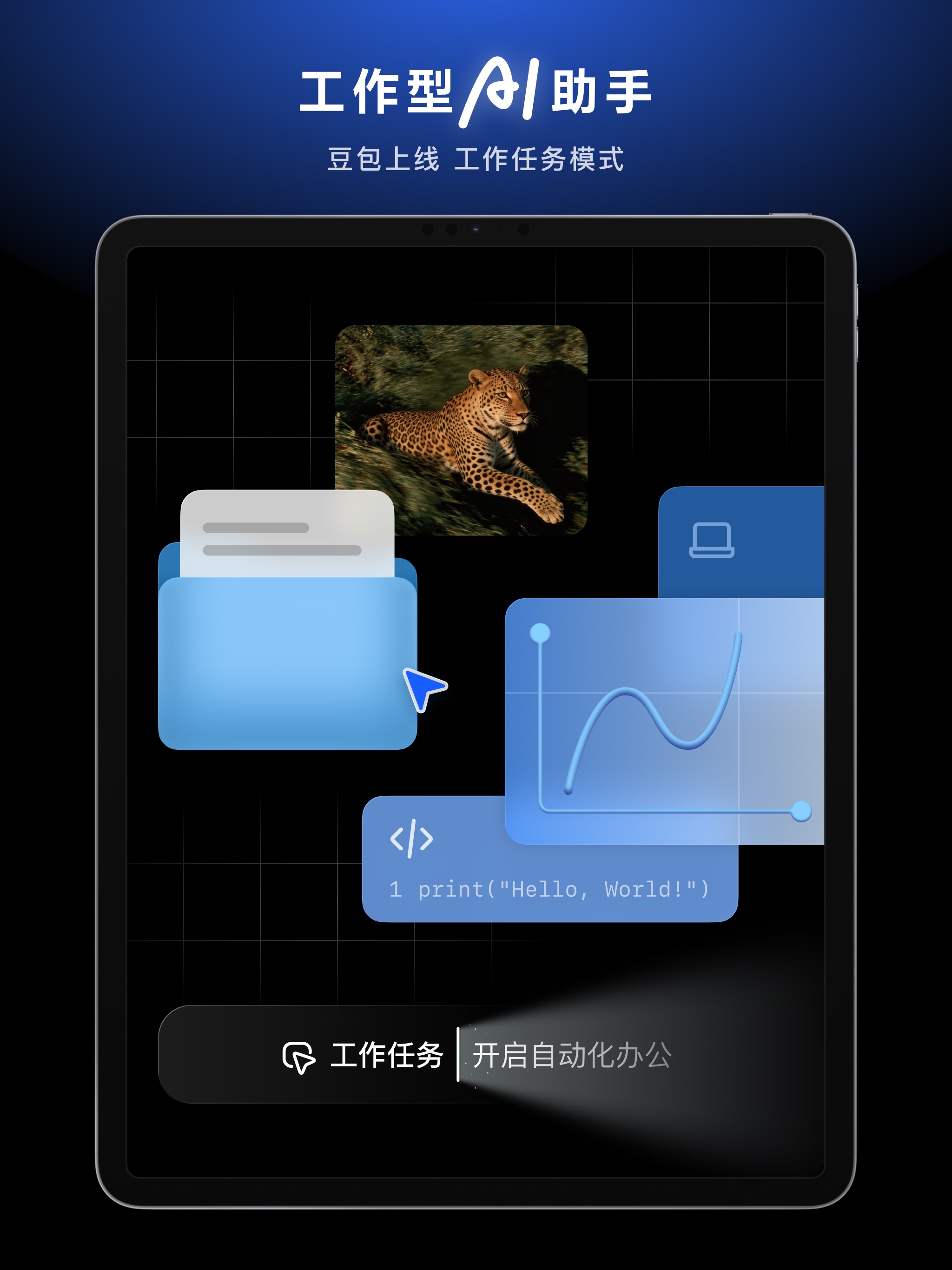
Doubao is ByteDance's AI assistant, covering conversation, writing, image generation, and voice calls — the right spot for everyday questions that come up on the fly: quick questions, captured ideas, and voice chats need no separate tool. Free and directly accessible in China.
WPS AI is Kingsoft's AI writing and document assistant, and it fits at the end of the pipeline: once the draft is inside a WPS document, use it to rewrite, polish, and restructure, with the finished draft staying in the document — no more moving files back and forth. Freemium and directly accessible in China. After one round of revision, the finished draft can go out as it is, with no need to switch tools for layout.
Tools mentioned




Sources
- DeepSeek
- Kimi
- doubao.com
- metaso.cn
- Notion
- WPS AI
- lumofyi.com
- lumofyi.com
- lumofyi.com
- lumofyi.com
- lumofyi.com
- lumofyi.com
This article is compiled from the public sources above and does not reproduce the originals in full; see the official sources for details.