Free-First AI Chat Assistants: Get the Job Done on Free Tiers First, Comparing Six Freemium Options
The Verdict: Triaging by Free Tiers First
A one-sentence triage: try Doubao first for daily Q&A, writing, and multimodal tasks; try DeepSeek first for deep thinking and coding; and try Qwen first for long documents and office scenarios—all three free tiers are capable enough to serve as primary tools, so use their free quotas to get the work done first. Look to Kimi for in-depth long-document reading, and turn to ChatGPT and Poe for general-purpose versatility and multi-model switching—these latter three are freemium, so test their feel on the free tier and confirm access methods before paying.
The value of this comparison lies in calculating the free value before the paid cost. There is no single universal answer for chat assistants: on whether the free tier is enough and whether the paid tier is worth it, the six tools yield completely different answers for the same task. First ask yourself what your daily workload involves—Q&A, long documents, or coding—before reading further.
A Closer Look at the Three Free Primary Tools
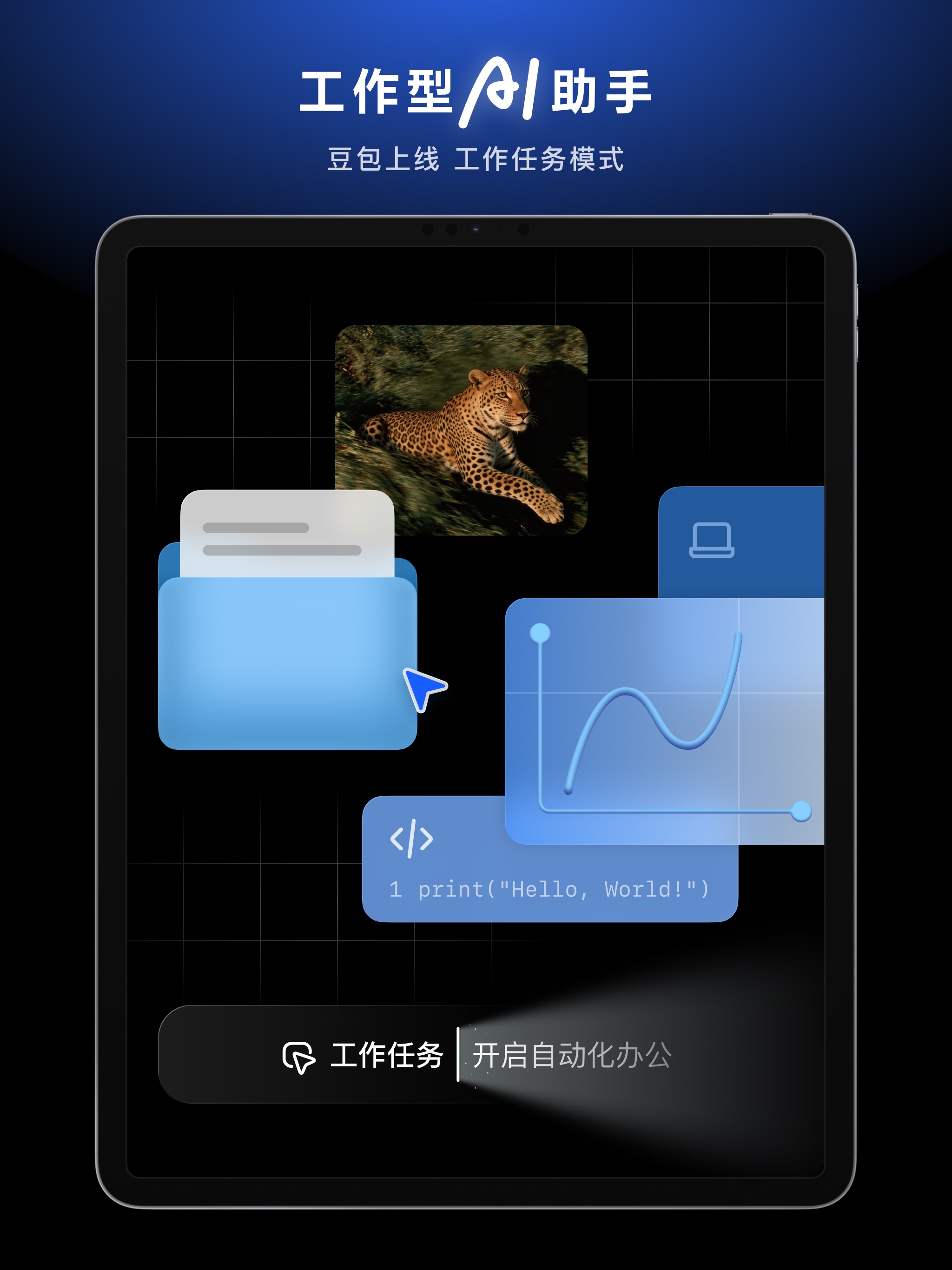
DeepSeek, from Chinese AI company DeepSeek, excels in deep thinking and coding, works directly in mainland China, and is listed as free in the directory. Its approach is offering deep thinking capabilities straight on the free tier, allowing you to handle coding, reasoning, and working through technical documentation at no cost. Doubao is ByteDance's AI assistant, covering chat, writing, image generation, and voice calls in one place; it is also free and directly accessible in mainland China, making it well-suited for mixed daily Q&A and multimodal use.
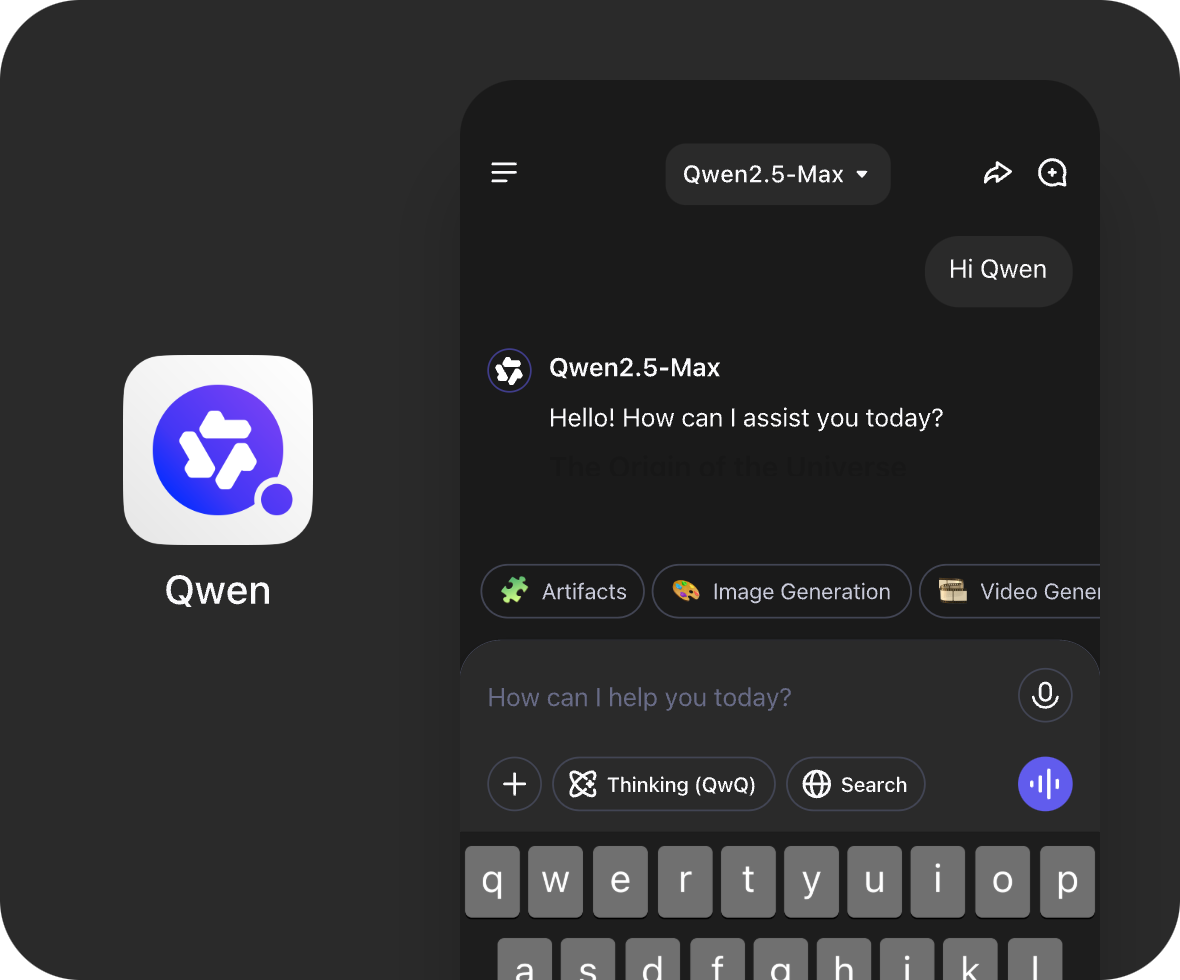
Qwen is Alibaba Cloud's all-around AI assistant supporting office scenarios such as documents, images, and PPTs, and is free with direct access in mainland China. Its sweet spot is office workflows: reading documents, editing PPTs, and processing spreadsheets can all be done right away on the free tier. What the three free tiers share is direct access in mainland China without network hassle, while their differences lie in focus: DeepSeek for reasoning and coding, Doubao for daily and multimodal tasks, and Qwen for office scenarios.

How the Three Freemium Tools Fill the Gaps
Kimi is an assistant known for long-document comprehension and web search, offered under a freemium model with direct access in mainland China. Long documents are its signature strength: when reading research reports, working through academic papers, or organizing lengthy materials, test the free tier first—the longer the document, the clearer its value becomes. ChatGPT is OpenAI's flagship AI assistant, capable across writing, analysis, programming, and image recognition; it is freemium, though using it in mainland China requires special network access.
Poe is a platform that lets you switch between multiple mainstream large models and bots within a single page; it is freemium and likewise requires special network access in mainland China. Its value lies in multi-model switching: when you want answers from two different models for the same question, you can switch and ask in one place without opening separate accounts. The logic for filling gaps is simple: let the three free tools handle daily work first, and when needs arise for long documents, general-purpose versatility, or multi-model comparisons, check whether the free tiers of these three cover them.
Free-First Usage Strategy and Pitfalls to Avoid
A free-first workflow is tiered: assign daily Q&A and writing to the three free tools, pass long documents to Kimi's free tier, and open Poe when you occasionally need multi-model comparisons. Exhaust your free quotas first before deciding which one to pay for—and before subscribing, confirm two things: whether the access method is convenient for you, and whether the unlocked paid features are ones you actually use every day.
There are two common pitfalls to watch out for. First is paying for features you do not need: when the free tier already covers your use case, hold off on subscribing, as subscriptions address usage quotas and advanced features rather than baseline answer quality. Second is overlooking access costs: ChatGPT and Poe are noted in the directory as requiring special network access in mainland China, so verify that you can use them smoothly before paying. Going free-first does not mean never spending a cent; it means getting full value out of free tiers first and paying only for what you genuinely need.
Tools mentioned





Sources
This article is compiled from the public sources above and does not reproduce the originals in full; see the official sources for details.