Advanced AI Agent Workflows: Six Tools, From a Single Assistant to Multi-Agent Orchestration
Step 1: Build One Assistant — Start With No Code
The goal of the building step is to get one assistant running, not to build a whole system first. Coze is a no-code platform for building chatbots and agents, with one-click publishing to multiple platforms, directly accessible in China on a freemium model. It suits testing an idea first: turn one concrete task, such as sorting content from chosen sources every day, into an assistant you can talk to, and get it working before anything else.
Dify is an open-source AI app development platform, with visual workflow orchestration and knowledge bases, directly accessible in China on a freemium model. It suits assistants that need a knowledge base: connect your own documents so the assistant answers from your material first, then consider connecting outside actions. The building step has one test: can this assistant finish one concrete small job on its own?
Step 2: Orchestration — Connect Single Actions Into a Flow
Once one assistant works, the next step is connecting several actions: take input, look up material, generate content, and send it somewhere. Dify's visual workflow orchestration suits this step as a starting point: the flow is drawn on a canvas, so a stuck step is easy to spot. n8n is an open-source workflow automation platform that connects hundreds of services with nodes and builds AI agent workflows, directly accessible in China on a freemium model, suiting flows that span several apps.
When orchestrating, draw a small flow of no more than three steps, get it working, then add branches. The common mistake is connecting a dozen nodes on day one and not knowing which step broke. Small flows have the advantage that every step can be tested on its own. The split between Dify and n8n is simple: Dify leans toward the AI app itself, n8n toward connecting apps together.
Step 3: Hand Long Tasks to a General Agent
Some jobs cannot be finished in one conversation: a research brief, a batch of material to sort, or a multi-step task to complete in order. Manus is a general AI agent that plans and completes complex tasks on its own, freemium, with access as listed on its official site. The way to use this kind of tool is to state the goal and the acceptance standard once, clearly, let it break the work into steps and run them, and check results only at key points.
Before handing a job to a general agent, write the task in three sentences: what to produce, what material to use, and what counts as done. A vague goal leads to vague execution; the more specific the acceptance standard, the less rework. Long tasks do not suit the first step: pick the most time-consuming small flow from the earlier steps and hand that one over first.
Step 4: Multi-Agent Checks in Parallel, Plus One Always-On Agent
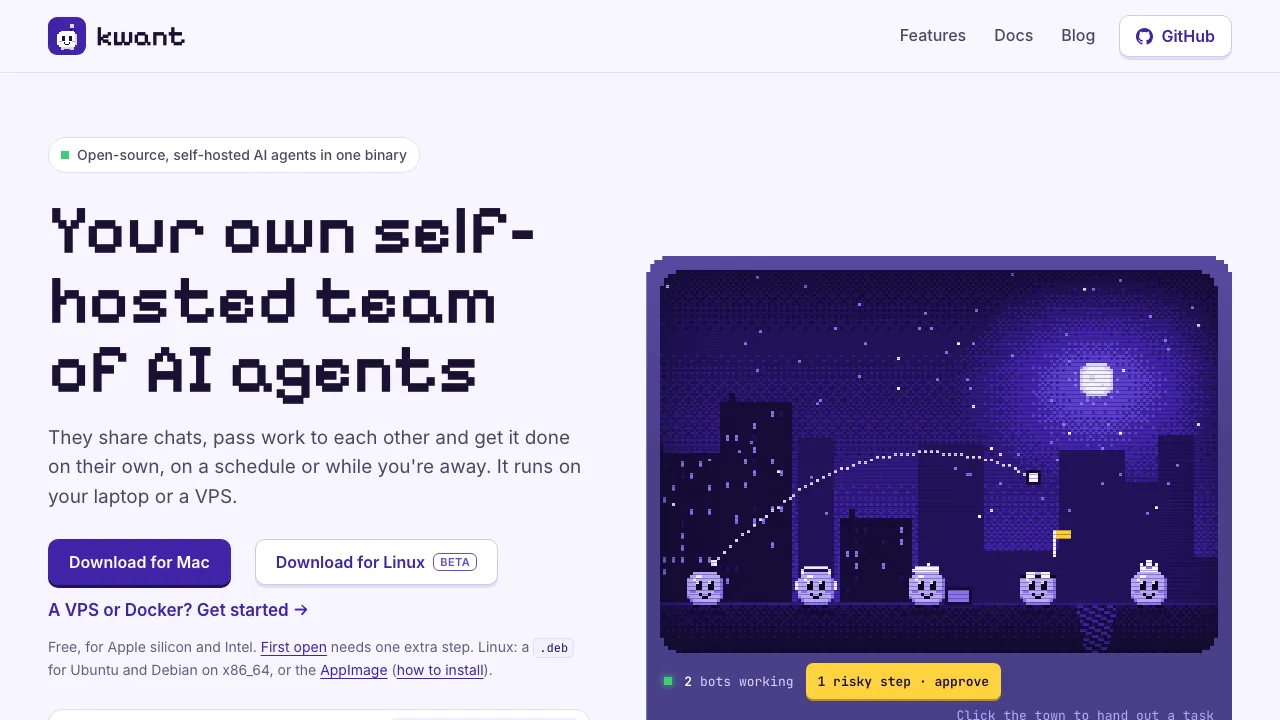
One agent running a long task while another agent checks it is the most practical combination in multi-agent work. kwant is an open-source, self-hosted team of AI agents: multiple role-based bots share chats, hand work to each other, and a task only counts as done after automatic checks, with data staying local. It is directly accessible in China on a freemium model. The setup splits execution and checking into two roles: one does the work, the other checks it against the standard, and anything that fails goes back for another round.
Finally, keep one always-on personal agent for everyday errands. Cue is Manus's personal agent app, where each agent has its own email, phone, wallet, and computer. It is directly accessible in China, with pricing as listed on its official site. It fits at the end of the workflow: fixed errands that settled out of the earlier steps go to the always-on agent to handle continuously. The six tools now form a loop: building, orchestration, long tasks, checks, and always-on duty each have their place. Confirm access and pricing on each official site before use; the full list of Lumo's 346 agent tools can be browsed on the site by category.
Tools mentioned





Sources
This article is compiled from the public sources above and does not reproduce the originals in full; see the official sources for details.